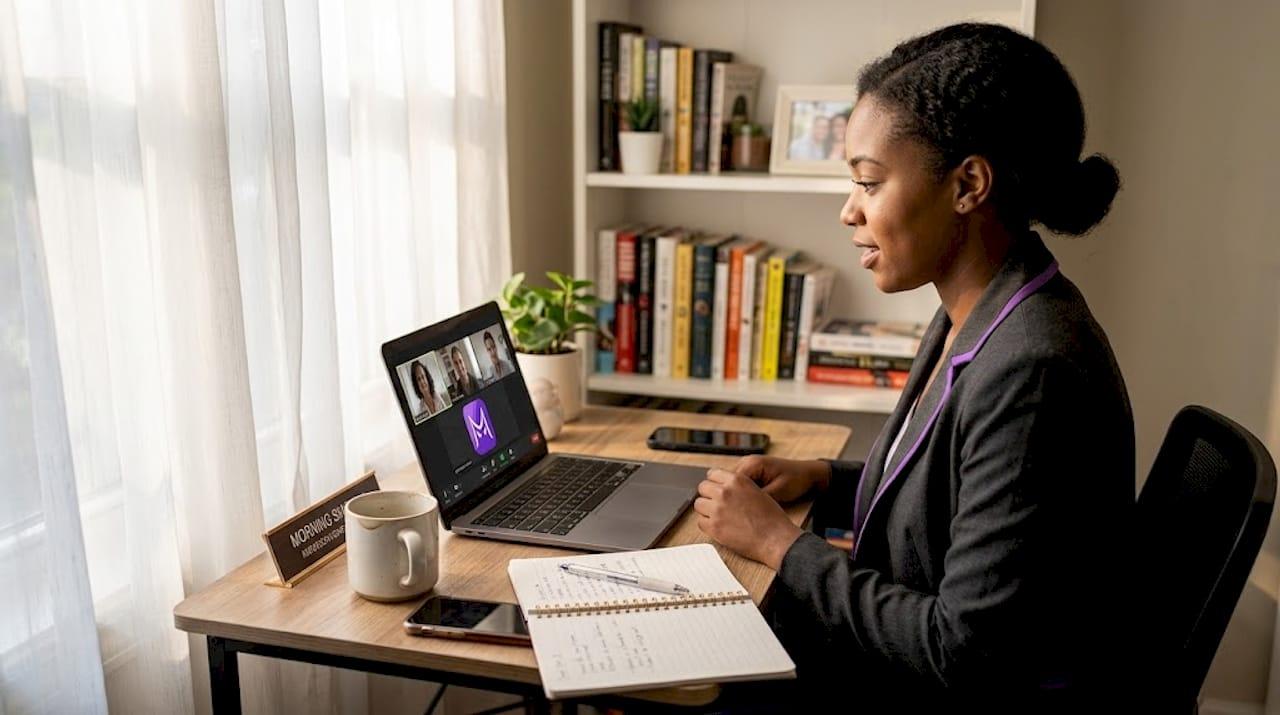
TL;DR:
- Prepare your remote interview environment early, testing camera, microphone, and internet stability.
- Use AI tools before the interview for practice, avoiding real-time AI during the interview.
- Understand and professionally handle privacy and proctoring requests to protect personal information.
Remote interviews put you in a strange position: you want to show up sharp, prepared, and confident, but every tool you use, every background detail visible on camera, and every platform you log into carries a privacy risk. AI tools can sharpen your preparation dramatically, yet using them the wrong way can get you flagged or disqualified before you even finish answering the first question. This article walks you through the exact steps to protect your privacy, use AI responsibly, and handle tricky interview requests without compromising your professionalism or your personal data.
Table of Contents
- Technical setup checklist for remote interview privacy
- Safe use of AI for interview preparation
- Privacy risks and proctoring: Handling special interview requests
- Secure interview platforms and candidate actions
- Our perspective: Why authenticity and privacy win over shortcuts
- Elevate your remote interview with secure tools
- Frequently asked questions
Key Takeaways
| Point | Details |
|---|---|
| Prepare setup early | Test and secure your environment at least 24 hours before any remote interview. |
| Use AI smartly | AI tools are best for pre-interview practice; avoid real-time use to minimize risk. |
| Respect privacy boundaries | Handle privacy-intrusive requests professionally and know your rights. |
| Platform security matters | Choose interview platforms with strong encryption, MFA, and clear privacy policies. |
| Authenticity builds trust | Demonstrate honest skills and iterative thinking instead of favoring shortcuts or tricks. |
Technical setup checklist for remote interview privacy
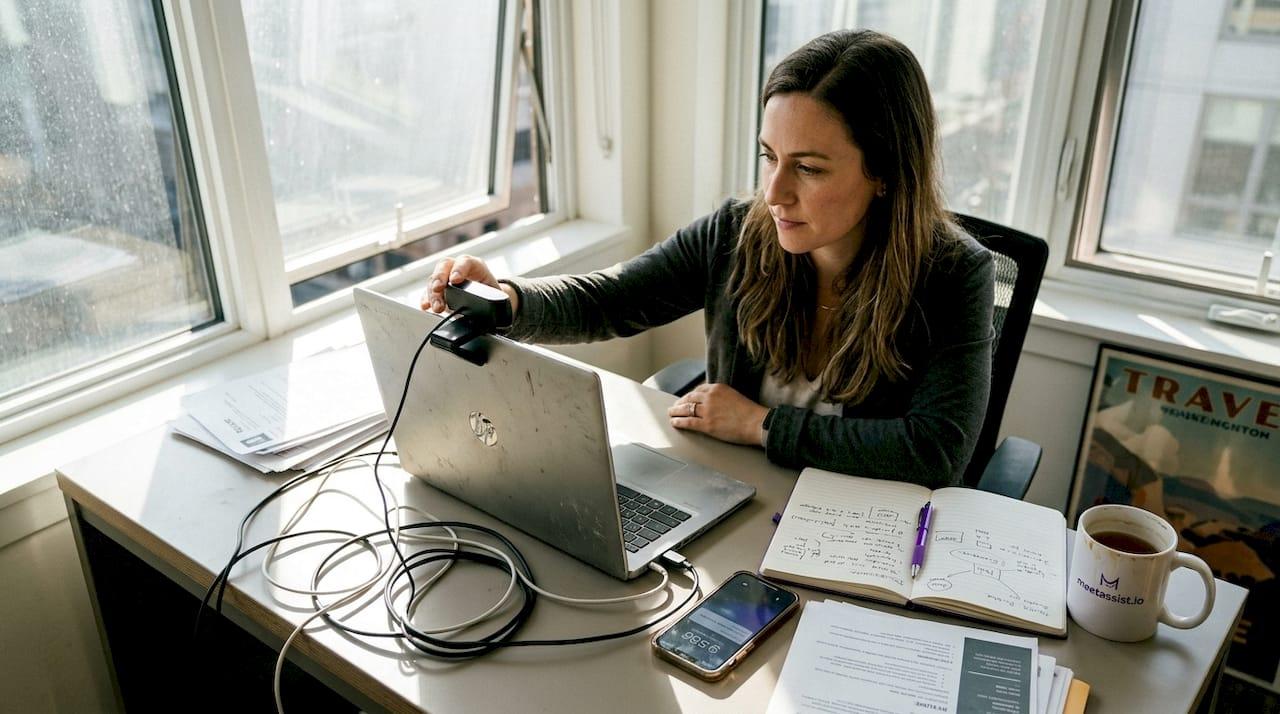
Your technical environment is the first thing that can expose you, and the good news is it’s entirely within your control. The key is starting early. Test your setup 24-48 hours before the interview so you have time to fix problems without the pressure of a countdown. Check your camera angle, microphone clarity, lighting, and internet speed. A wired ethernet connection is more stable than Wi-Fi, and a mobile hotspot is a solid backup if your connection drops unexpectedly.
Beyond connectivity, your digital security layer matters just as much. VPN, MFA, and encrypted Wi-Fi are not optional extras. They are the baseline for protecting your data during any remote interaction. Use a password manager to avoid weak or reused credentials, and enable screen lock on your device so no one can access your session if you step away.
Here is a quick checklist to run through before every remote interview:
- Internet: Prefer wired ethernet; have a mobile hotspot ready as backup
- Camera and microphone: Test both 24 hours in advance, check for background noise
- VPN: Enable on public or shared Wi-Fi networks
- MFA: Active on your email and any platform you use for the interview
- Screen lock: Set to activate after 1-2 minutes of inactivity
- Background: Use a neutral, uncluttered space to avoid revealing personal details
- Sensitive files: Close all tabs and apps unrelated to the interview
Pro Tip: A plain wall or a minimal virtual background does more than look professional. It prevents interviewers from seeing personal items, location clues, or anything that could be used to make assumptions about you.
Here is a quick comparison of connection types to help you decide:
| Connection type | Stability | Privacy risk | Recommended use |
|---|---|---|---|
| Wired ethernet | High | Low | First choice for interviews |
| Home Wi-Fi (WPA3) | Medium-High | Low-Medium | Acceptable with VPN |
| Public Wi-Fi | Low | High | Only with VPN, last resort |
| Mobile hotspot | Medium | Low | Strong backup option |
For more remote interview tips and confident preparation steps, it helps to treat your setup like a professional broadcast, not a casual video call.
Safe use of AI for interview preparation guides
Once your environment is secure, focus on preparing with tech tools for maximum safety. AI is genuinely powerful for interview prep, but the line between helpful and harmful depends entirely on when and how you use it.
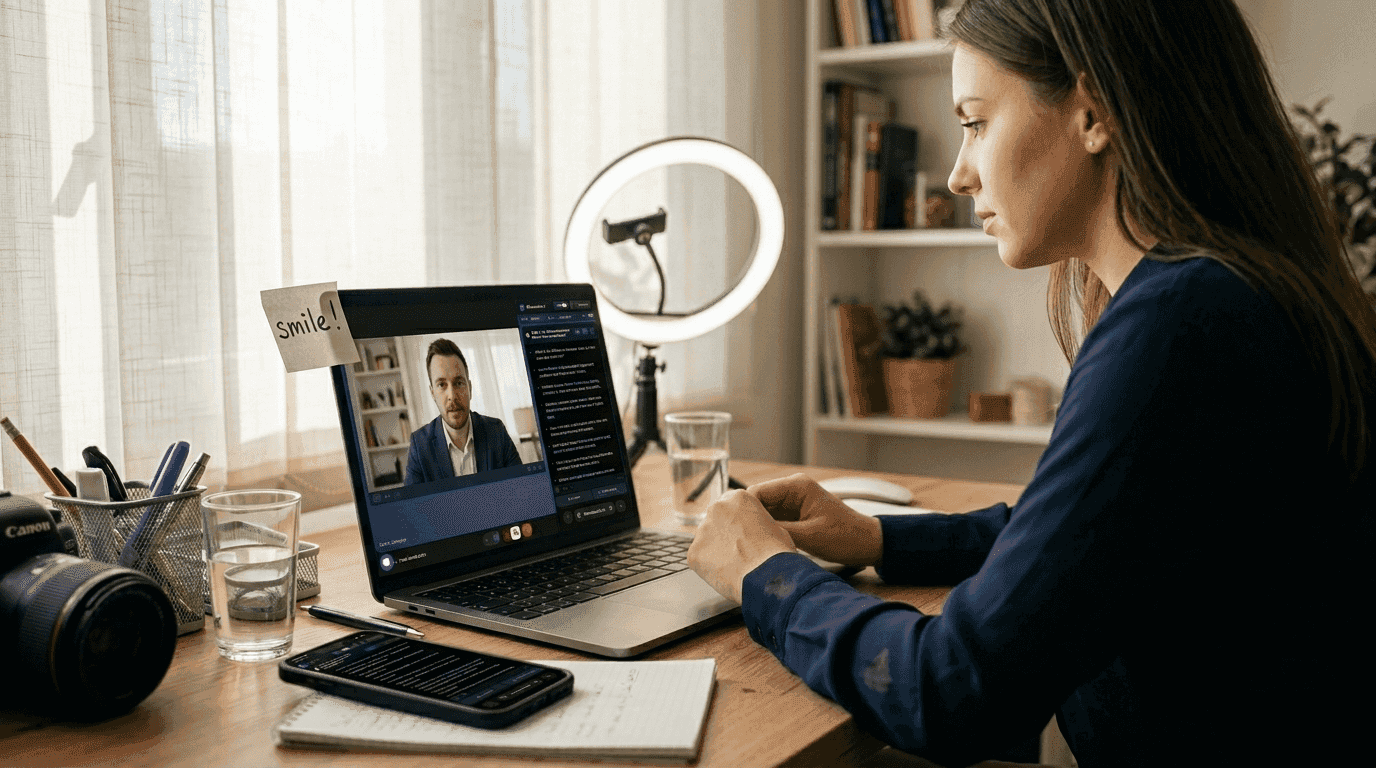
49% of candidates use AI for interview preparation, and that number is rising fast. The problem is that a meaningful portion of those candidates try to use AI during live interviews, which is where things go wrong. Interviewers and automated proctoring systems are increasingly trained to spot the signs: unnatural eye movement toward a second screen, micro-pauses while reading AI-generated text, and answers that sound polished but lack personal context.
The smarter approach is to use AI heavily before the interview. Here is where it genuinely excels:
- Mock interview simulations: Run full practice sessions with AI playing the interviewer role
- STAR method responses: Use AI to structure your behavioral answers around Situation, Task, Action, and Result
- Personalized feedback: Upload your resume and let AI identify gaps or weak spots in your story
- Technical problem walkthroughs: Practice explaining your thought process out loud, not just solving the problem
- Company research: Use AI to summarize the company’s recent news, products, and culture
“AI tools are most powerful when they help you internalize knowledge before the interview, not when they feed you answers during it. The goal is to sound like yourself at your best, not like a language model.”
Experts consistently warn against real-time AI use during live interviews, and the consequences are serious. Getting caught can mean immediate disqualification and a permanent note in the recruiter’s system. You can also review AI interview cheating patterns that interviewers now actively look for.
Pro Tip: Practice explaining your problem-solving process step by step, out loud, even when you already know the answer. Interviewers remember candidates who think iteratively, not ones who deliver suspiciously perfect responses.
For structured AI interview prep strategies and a deeper look at AI ethics in interviews, preparation is always the safer and more effective path.
Privacy risks and proctoring: Handling special interview requests
Beyond your own actions, some interview requests test your privacy boundaries directly. Knowing how to handle them professionally protects both your personal information and your candidacy.
Some common requests that raise privacy concerns include:
- Room scans: You may be asked to pan your camera around the room before the interview starts
- Earphone removal: Some proctored assessments require you to remove headphones to prevent audio assistance
- Screen sharing: Technical interviews may require you to share your entire desktop, not just a specific window
- ID verification: Some platforms ask for government ID before the session begins
- Browser lockdown: Certain coding assessments restrict which tabs or applications you can have open
Room scans and screen sharing can inadvertently expose personal details, family members, or sensitive documents. If you are asked to share your screen, close everything unrelated to the interview first and use a separate, clean browser profile.
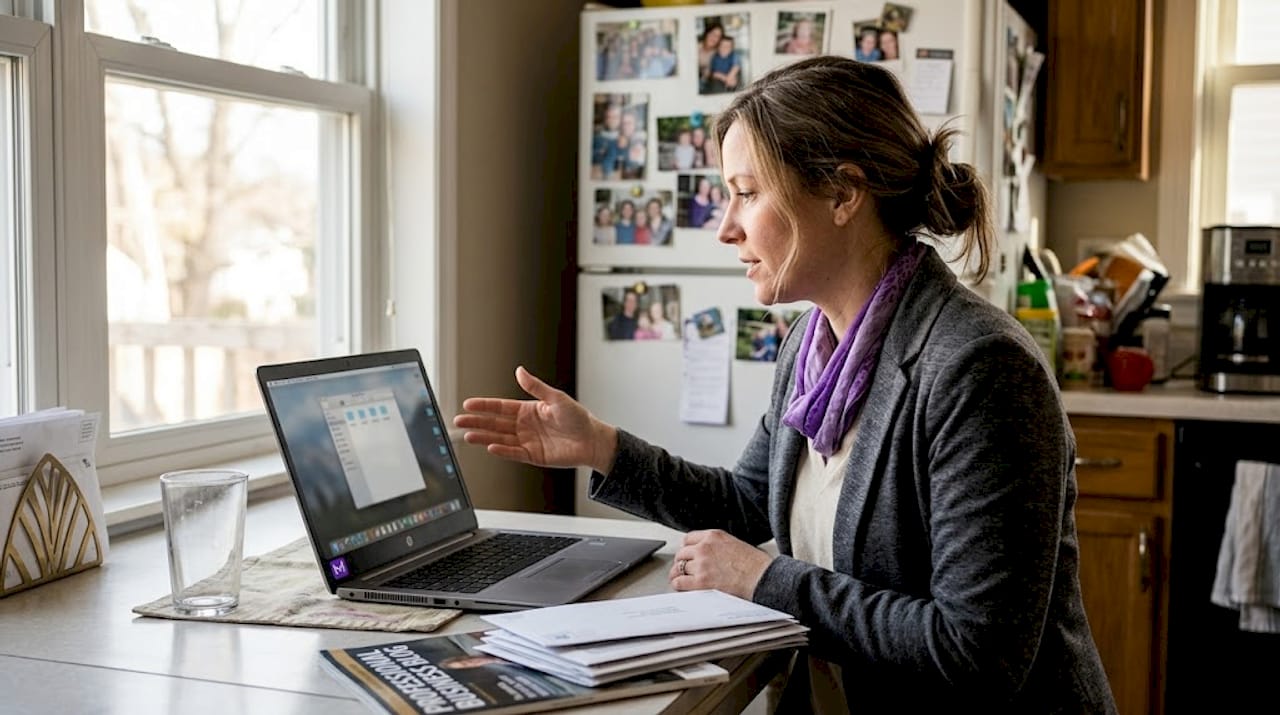
AI proctoring tools carry their own risks beyond just catching cheaters. Research shows AI proctoring may show racial and disability bias, flagging neurodivergent candidates or people with certain accents at higher rates than others. That is a real and documented concern worth knowing about.
Here is a breakdown of common requests and how to handle them:
| Request | Typically required? | Privacy risk | Recommended action |
|---|---|---|---|
| Room scan | Sometimes | Medium | Comply; tidy room beforehand |
| Screen sharing | Often in tech roles | Medium | Use clean browser profile |
| ID verification | Platform-dependent | High | Verify platform’s data policy first |
| Earphone removal | Proctored exams | Low | Comply; use speaker mode |
| Browser lockdown | Common in assessments | Low | Accept; test software in advance |
You have every right to ask how your data is handled. A simple, professional question like “Can you tell me how this session is recorded and who has access?” signals awareness, not suspicion. For more on automation and proctoring trends and soft skills tips for navigating these moments, preparation makes the difference.
Secure interview platforms and candidate actions
Alongside your own tools, candidates can press for platform-level privacy guarantees. Not all interview platforms are built the same, and knowing what to look for protects you from data exposure you may not even realize is happening.
Start by checking the platform’s security standards before your interview day. Platforms should use TLS encryption, MFA, and RBAC (role-based access control, which limits who can view your session data). If you cannot find this information on their website, ask the recruiter directly.
Here is what to verify before using any interview platform:
- TLS encryption: Confirms data is encrypted in transit between you and the platform
- MFA support: Adds a second layer of identity verification for your account
- RBAC policies: Ensures only authorized personnel can access your video or transcript
- Recording policy: Find out if the session is recorded, where it is stored, and for how long
- Data deletion: Ask whether you can request your data be deleted after the process ends
- Third-party sharing: Check whether your data is shared with analytics or AI training systems
Pro Tip: Use a dedicated browser profile for interviews. This keeps your personal bookmarks, saved passwords, and browsing history completely separate from anything that might appear on screen during a screen share.
For a full guide on preparing for technical interviews and the best mobile interview tools to support your prep, understanding platform security is just as important as practicing your answers.
Our perspective: Why authenticity and privacy win over shortcuts
Here is the uncomfortable truth most interview guides skip: the candidates who get caught using AI or who inadvertently expose their privacy are rarely careless. They are usually the most anxious, the most prepared, and the most desperate to perform perfectly. That pressure pushes them toward shortcuts that feel safe but carry serious risk.
Hiring managers are not just evaluating your answers. They are watching how you think under pressure, how you handle ambiguity, and whether your reasoning feels real. A flawless answer with zero hesitation is actually suspicious. Iterative thinking, small corrections, and genuine curiosity are what build trust.
The real privacy win is not hiding what you are doing. It is knowing your rights, securing your environment, and preparing so thoroughly that you never need a shortcut. Candidates who use smart coding tools for practice, not as a live crutch, consistently outperform those who rely on real-time assistance. Mastery and authenticity are not just ethical choices. They are the most effective strategy.
Elevate your remote interview with secure tools
You now have a clear framework: secure your environment, prepare with AI before the interview, handle proctoring requests professionally, and verify platform privacy policies. The next step is putting these principles into practice with tools designed to support exactly this kind of preparation.

MeetAssist is built for candidates who take privacy seriously without sacrificing performance. Its Phone Mode moves all AI suggestions and transcripts to your phone, keeping your computer screen completely clean. You can compare top interview AI tools to find the right fit, or explore phone mode for interview privacy to see how preparation-focused AI assistance works in practice. No subscriptions, no recordings, just smarter prep.
Frequently asked questions
Can interviewers legally require a room scan or screen sharing?
Interviewers can request these actions, but legality depends on your local privacy laws. You can professionally voice concerns about privacy and bias risks if the request feels invasive.
Is it risky to use AI in real-time during a remote interview?
Yes. Real-time AI use is increasingly detectable through behavioral cues like unnatural pauses and eye movement, and getting caught typically results in immediate disqualification.
How do I keep my data secure during interview prep?
Enable VPN, WPA3 encryption, and MFA on all devices you use, use strong unique passwords, and avoid sharing any sensitive information over unencrypted channels.
What should I check in an interview platform for privacy?
Verify that the platform uses TLS, MFA, and RBAC, and review its privacy policy for details on video recording, data retention, and third-party access.