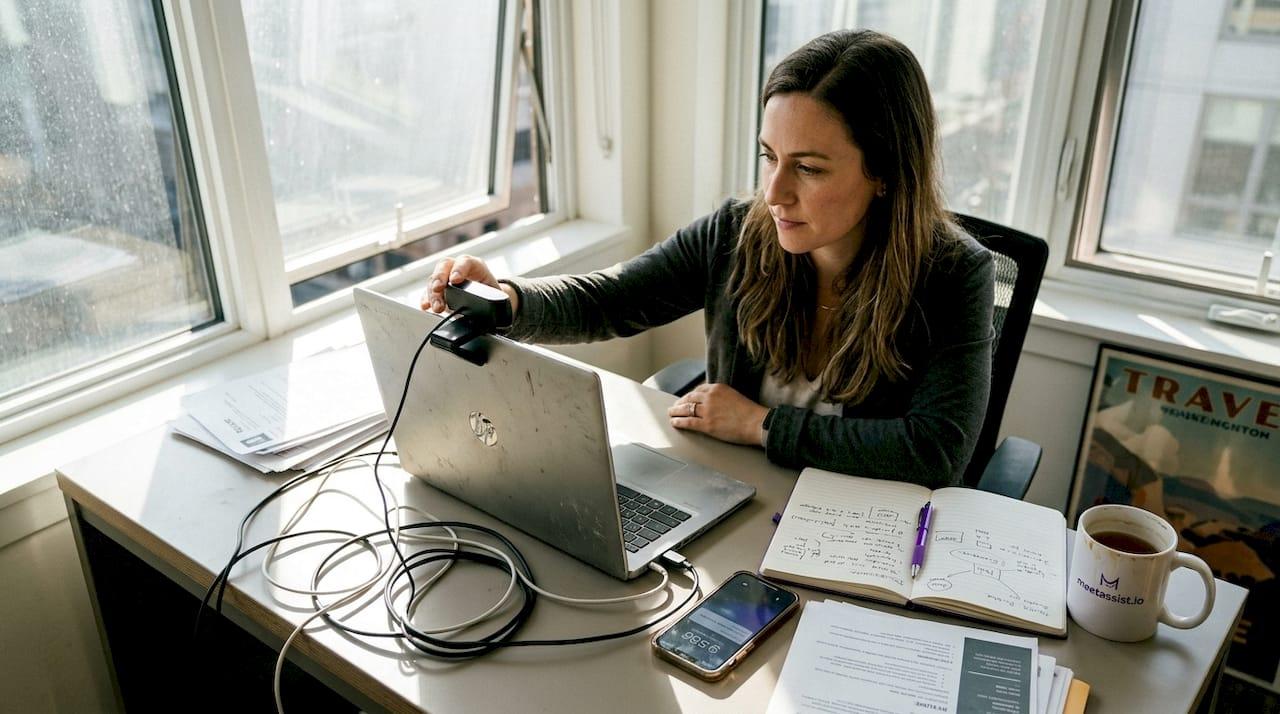
Remote interviews have become the standard for hiring in 2026, but they introduce unique challenges that can derail even the most qualified candidates. Technology glitches, awkward silences, and difficulty reading body language create barriers that don’t exist in person. The good news? With strategic preparation focusing on your technology setup and engagement techniques, you can turn these challenges into opportunities to showcase your professionalism and adaptability. This guide delivers actionable remote interview tips to help you optimize your performance and land your next role.
Table of Contents
- How To Choose The Right Remote Interview Setup
- Best Practices To Engage Effectively During Your Remote Interview
- 10 Essential Remote Interview Tips For Successful Job Seekers
- Comparing Remote Interview Tools And Backup Plans
- Discover Meetassist For Remote Interview Success
Key takeaways
| Point | Details |
|---|---|
| Test technology early | Run equipment checks and mock interviews days before to catch issues |
| Optimize your environment | Select a quiet space with professional lighting and neutral background |
| Master remote engagement | Maintain webcam eye contact and use clear communication to connect |
| Prepare structured answers | Practice concise responses using frameworks like STAR for remote delivery |
| Plan for tech failures | Keep backup devices and alternate contact methods ready |
How to choose the right remote interview setup
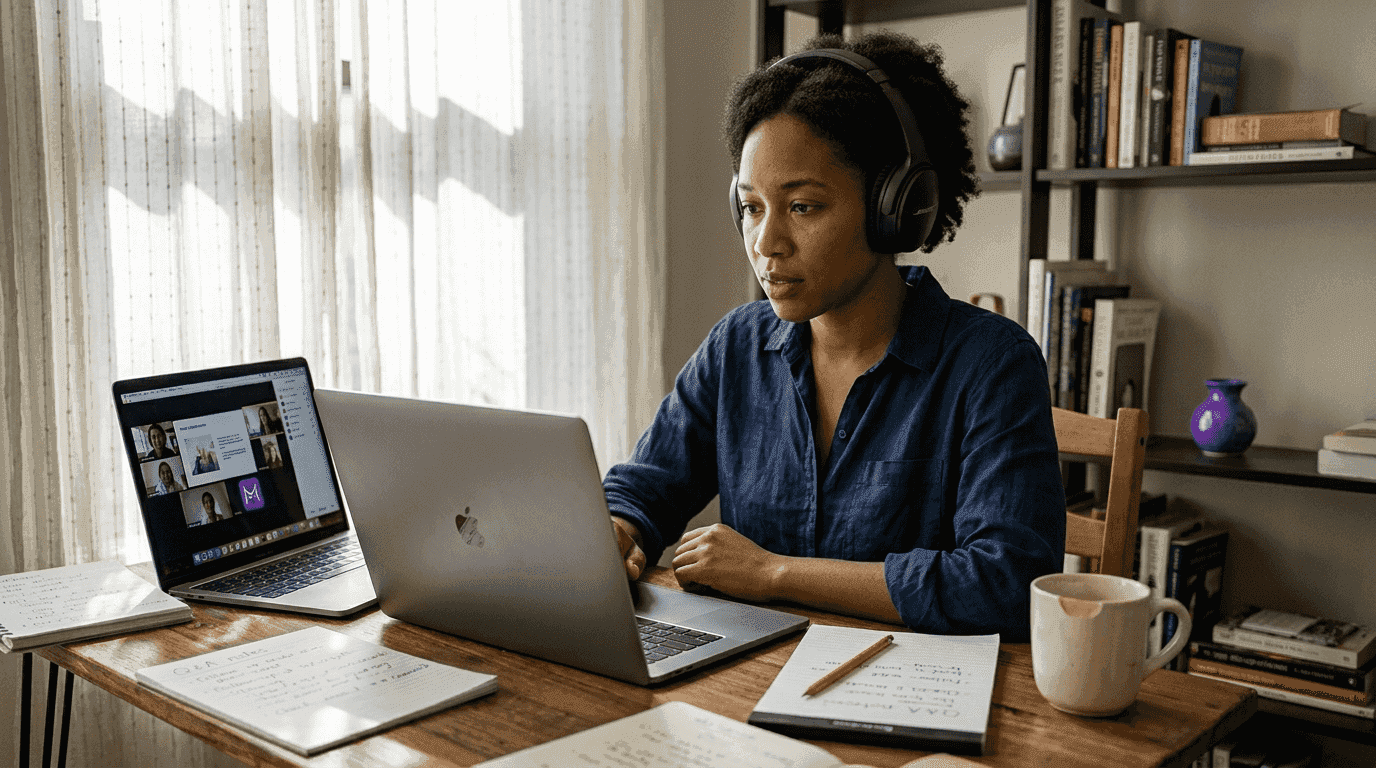
Your technology and environment form the foundation of remote interview success. Preparation of technical setup is critical to reduce failure during remote interviews, so start by assessing your internet connection speed and reliability well before scheduling. Run speed tests at different times of day to identify potential weak spots, aiming for at least 10 Mbps upload and download speeds for stable video quality.
Select a high quality webcam and microphone that deliver clear audio and video. Built in laptop cameras often produce grainy images, while external webcams provide sharper resolution and better angle control. Invest in a USB microphone or quality headset to eliminate echo and background static that can distract interviewers.
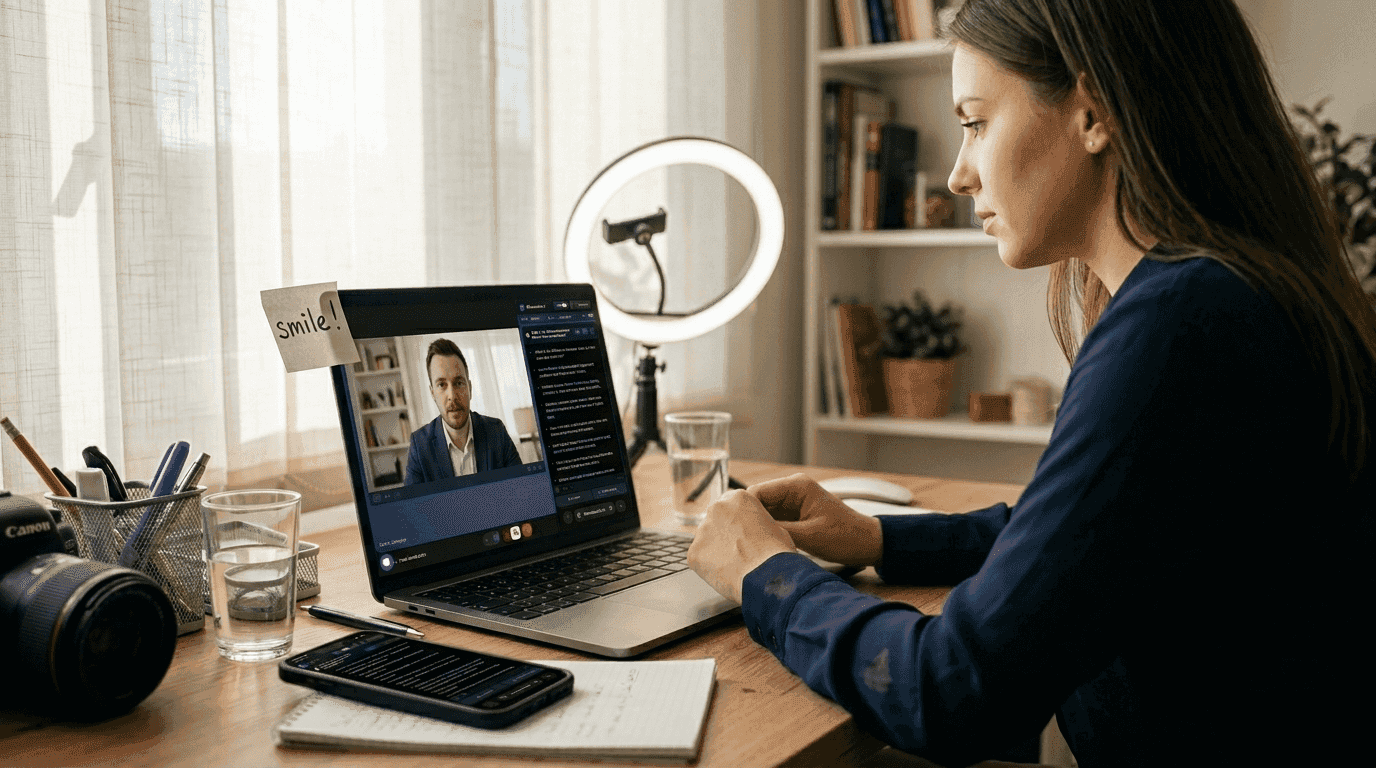
Your interview space matters as much as your equipment. Ensure the room is quiet with minimal background noise and distractions. Close doors, silence pets, and inform household members of your interview schedule. Optimize lighting to avoid shadows or glare, positioning yourself facing natural light from a window or using a ring light to illuminate your face evenly.
Set up a neutral, tidy background or use professional virtual backgrounds if the platform allows. A cluttered bookshelf or plain wall works better than busy patterns that pull focus from you. Position your camera at eye level so you’re looking straight ahead rather than up or down.
Test your complete technology setup by running a mock interview with a friend or recording yourself. Watch the playback to identify audio delays, video freezing, or awkward camera angles you need to adjust. Have a backup device and alternative internet hotspot ready if possible, whether that’s a mobile phone with data or a neighbor’s Wi-Fi password.
Pro Tip: Use Ethernet instead of Wi-Fi when available to reduce connectivity issues and ensure the most stable connection during your interview.
Key preparation steps include:
- Run internet speed tests at interview time to verify bandwidth
- Position your webcam at eye level for natural sight lines
- Test audio with headphones to catch echo or feedback
- Record a practice session to review your on screen presence
- Charge backup devices and keep them within reach
Best practices to engage effectively during your remote interview
Once your setup is solid, focus on interpersonal communication strategies that maximize your impact through a screen. Active engagement and strong communication enhance candidate satisfaction in remote interviews, so master the nuances of virtual interaction.
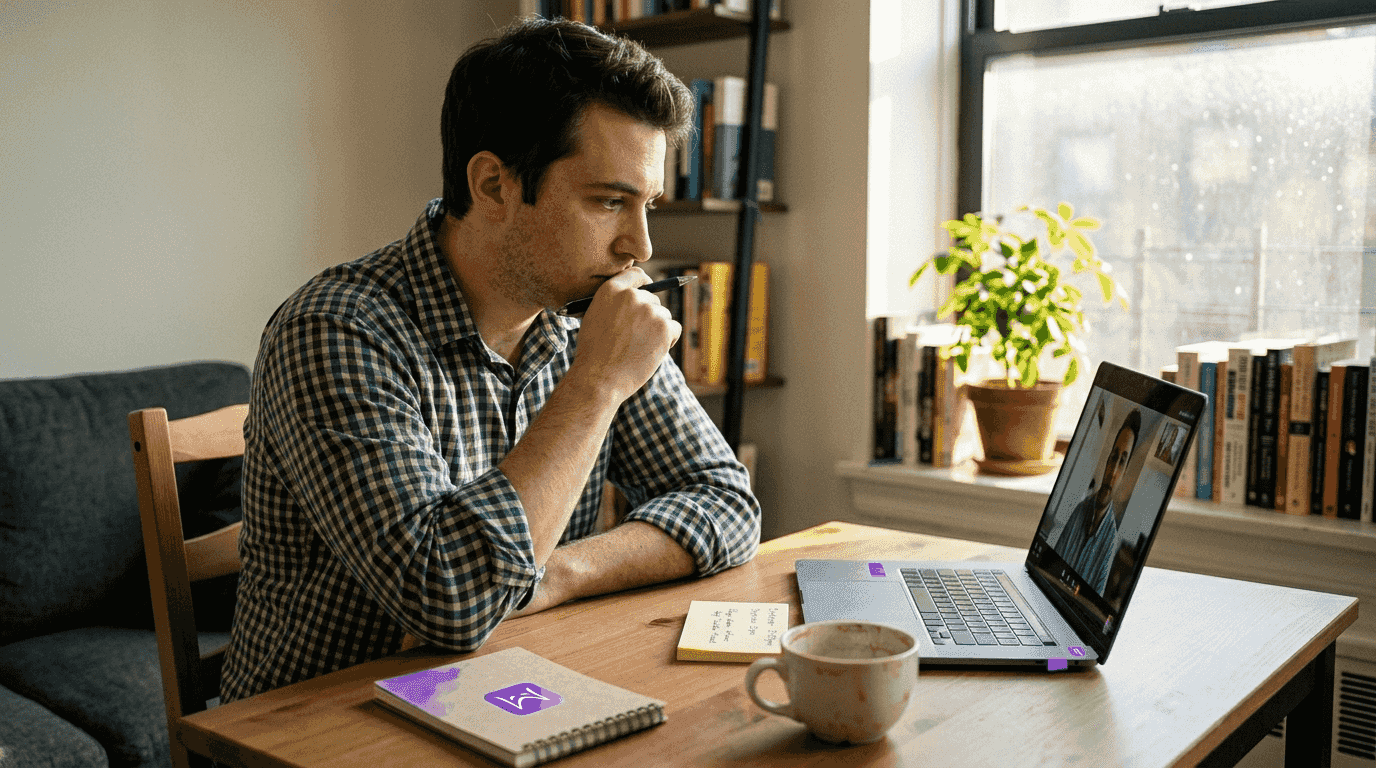
Maintain steady eye contact by looking into the webcam rather than at your screen. This simple shift creates the impression you’re making direct eye contact with the interviewer, building rapport despite the physical distance. Place sticky notes near your camera with key reminders to keep your gaze naturally directed there.
Use confident but natural body language and facial expressions to show interest. Nod occasionally to acknowledge points, smile genuinely when appropriate, and keep your hands visible for gestures that emphasize your enthusiasm. Avoid crossing your arms or leaning too far back, which can signal disengagement.
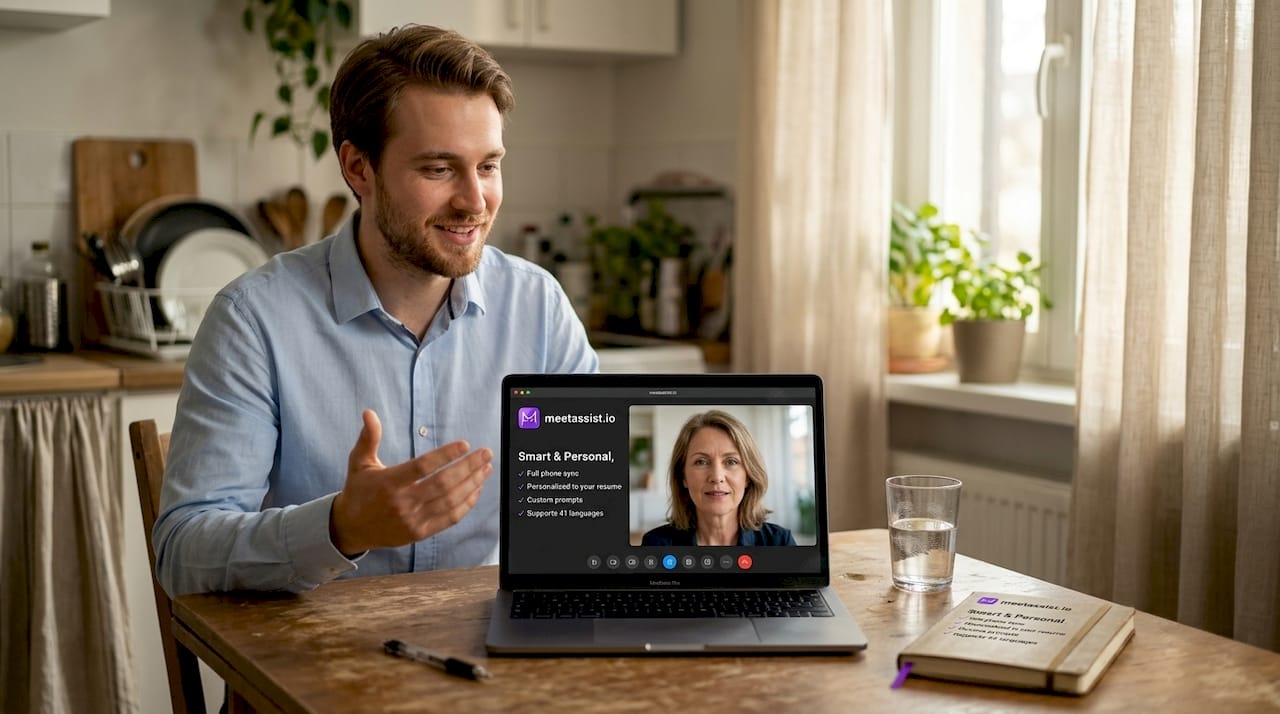
Speak clearly and pace your answers to ensure understanding over video. Internet delays can cause words to blur together, so articulate each syllable and pause briefly between sentences. This measured delivery also gives you time to organize thoughts and prevents rambling.
Confirm understanding by summarizing questions or asking clarifying questions when needed. Remote formats make it harder to pick up on subtle cues, so verbalizing your comprehension shows attentiveness. Try phrases like “Just to make sure I understand correctly, you’re asking about…” before diving into answers.
Prepare concise, structured answers tailored for remote delivery. Long, meandering responses lose impact when delivered through video, so practice tight frameworks that deliver value quickly. The STAR method works exceptionally well for behavioral questions in remote settings.
Minimize interruptions by silencing notifications and closing unnecessary apps before the call starts. A pop up message or alert sound can break your concentration and appear unprofessional. Put your phone on silent and close email, messaging apps, and browser tabs you won’t need.
Pro Tip: Use deliberate pauses after key points to let the interviewer absorb your answers and signal you’ve completed your thought, reducing awkward overlaps common in video calls.
Effective engagement techniques:
- Position your screen below your webcam to maintain natural eye line
- Practice expressive facial reactions that read well on camera
- Slow your speaking pace by 10 to 15 percent for clarity
- Keep a glass of water nearby for natural pauses
- Use hand gestures within frame to add energy
10 essential remote interview tips for successful job seekers
Candidates benefit from comprehensive preparation combining tech readiness and soft skills in remote interviews. These curated tips form a practical checklist you can reference before every virtual interview.
-
Test all equipment and internet connection the day before your interview and again 30 minutes prior to catch any overnight updates or changes that could cause problems.
-
Dress professionally from head to toe as you would for an in person interview, even though only your upper body appears on screen, because dressing fully helps you embody a professional mindset.
-
Keep necessary documents and notes nearby but out of direct view, positioned to the side of your monitor where you can glance without obviously looking away from the camera.
-
Arrive early to the virtual meeting room, joining five to ten minutes before the scheduled start to avoid last minute technical issues and demonstrate punctuality.
-
Have water ready and maintain good posture throughout the call, sitting upright with shoulders back to project confidence and keep your energy level high.
-
Avoid multitasking and focus fully on the interview by closing all unrelated tabs and applications that might tempt you to divide attention or cause distracting notifications.
-
Use the STAR method for behavioral questions, structuring answers around Situation, Task, Action, and Result to deliver organized responses that translate well to remote formats.
-
Ask insightful questions about the company and role to show genuine interest, preparing three to five thoughtful queries that demonstrate you’ve researched the organization.
-
Follow up promptly with a thank you email within 24 hours, referencing specific conversation points to reinforce your engagement and leave a lasting positive impression.
-
Be adaptable and patient in case of unexpected tech difficulties, maintaining composure and professionalism if connections drop or audio fails rather than letting frustration show.
Comparing remote interview tools and backup plans
Choosing the right video conferencing tool impacts interview stability and user experience. Understanding the strengths and limitations of popular platforms helps you prepare effectively and troubleshoot quickly when employers use different systems.
Evaluate commonly used platforms including Zoom, Microsoft Teams, Google Meet, and Skype. Each offers distinct features affecting ease of use, reliability, video and audio quality, and compatibility across devices. Zoom dominates for its intuitive interface and robust features, while Teams integrates seamlessly with Microsoft ecosystems common in corporate environments.
Compare bandwidth requirements and whether platforms work well on mobile and desktop. Some tools demand higher internet speeds for HD video, while others optimize for lower bandwidth situations. Testing each platform beforehand reveals which performs best with your specific connection.
Consider tools offering recording or integrated AI assistance for technical interviews. Platforms that allow screen sharing and collaborative features prove essential for coding challenges or portfolio presentations. Understanding these capabilities in advance lets you prepare materials in compatible formats.
Plan backup options by having a secondary platform ready and sharing alternate contact information. If the primary video tool fails, quickly suggest switching to another platform or continuing via phone. Exchange mobile numbers or email addresses at the interview’s start so you can reconnect if disconnected.
Keep your mobile device charged as an emergency fallback communication tool. If your computer crashes entirely, you can join via phone to complete the interview, even if video quality suffers. This backup demonstrates resourcefulness and commitment.
Test different platforms well before the interview date to avoid surprises. Create accounts, adjust settings, and run practice calls to familiarize yourself with controls like muting, screen sharing, and virtual backgrounds on each system.
| Platform | HD Video Quality | User Interface | Security Features | Device Compatibility | Backup Suitability |
|---|---|---|---|---|---|
| Zoom | Excellent up to 1080p | Intuitive and feature rich | End to end encryption available | Desktop, mobile, web | Very high |
| Microsoft Teams | Very good, 1080p capable | Integrated with Office 365 | Enterprise grade security | Desktop, mobile, web | High |
| Google Meet | Good, 720p standard | Simple and accessible | Google security infrastructure | Desktop, mobile, web | High |
| Skype | Good, 1080p capable | Familiar but dated | Standard encryption | Desktop, mobile, web | Moderate |
Discover MeetAssist for remote interview success
Remote interviews demand more than traditional preparation. They require technology that adapts to real time challenges while keeping you focused and confident. MeetAssist provides AI powered tools designed specifically for job seekers navigating video interviews, offering real time assistance that works invisibly during your calls.

The platform integrates with Google Meet, Microsoft Teams, and other web based meeting platforms to deliver AI generated answer suggestions as conversations unfold. Whether you’re facing behavioral questions, technical assessments, or coding challenges, MeetAssist analyzes the discussion and provides relevant prompts on your phone through its innovative Phone Mode feature, keeping your computer screen completely clean.
Explore AI AI interview assistant alternatives to compare solutions that fit your specific needs, from resume optimization to real time transcription. Review detailed usage guides that walk through setup, customization, and best practices for leveraging AI assistance ethically and effectively during your remote interviews.
FAQ
What common technical issues occur during remote interviews?
Common technical issues include poor internet connectivity causing video freezing or audio dropouts, microphone glitches that make you hard to hear, and video lag that creates awkward delays in conversation. Testing equipment beforehand and having backup devices helps prevent these disruptions from derailing your interview.
How can I stay engaging without being physically present?
Maintain engagement by looking directly into your webcam to simulate eye contact, using expressive body language and facial expressions that read well on camera, and practicing clear, concise communication. Deliberate pauses and active listening cues like nodding help you connect effectively through a screen.
What should I do if my connection fails during the interview?
Immediately notify the interviewer via alternate contact methods like phone or email that you shared at the start, attempt to reconnect quickly using your backup internet source or device, and remain calm and professional throughout. Most interviewers understand technical difficulties happen and will appreciate your preparedness and composure in handling the situation.
How early should I join a remote interview?
Join the virtual meeting room five to ten minutes before the scheduled start time to allow for any last minute technical adjustments and demonstrate punctuality. This buffer gives you time to verify your audio and video are working, check your background one final time, and compose yourself before the interviewer arrives.
Should I use virtual backgrounds for remote interviews?
Use virtual backgrounds only if your actual background is unavoidably distracting and the platform’s virtual background feature works smoothly without glitches. A neutral, tidy real background generally appears more professional and authentic, but a well chosen virtual background showing a clean office or bookshelf can work if applied consistently without flickering or cutting out parts of your image.
What’s the best way to handle screen sharing during technical interviews?
Prepare your screen sharing setup in advance by closing unnecessary tabs and applications, organizing relevant files in easy to access folders, and practicing the screen sharing controls on your specific platform. When sharing, narrate your actions clearly to help interviewers follow your thought process, and don’t hesitate to ask if they can see your screen properly before proceeding with coding challenges or portfolio presentations.