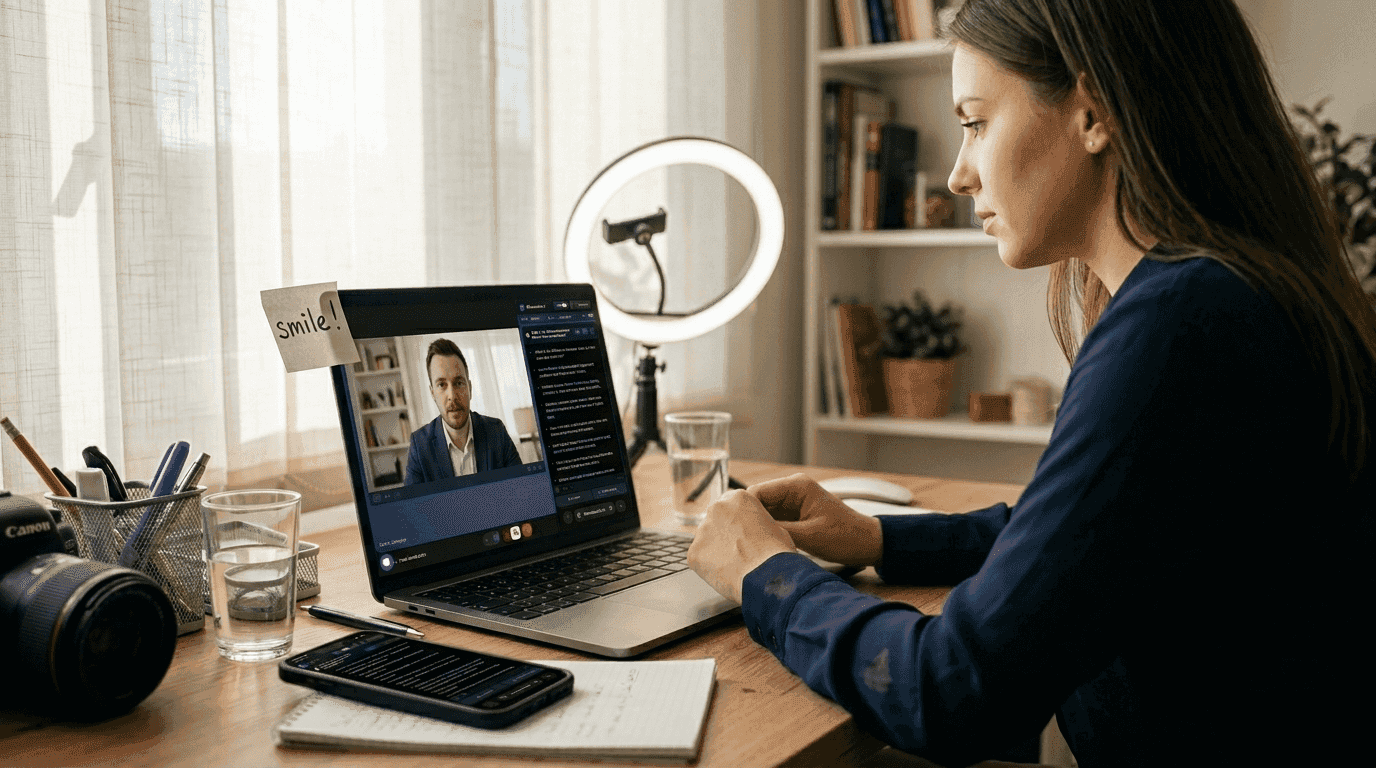
Remote interviews have transformed hiring, but many candidates struggle with technical glitches, camera anxiety, and the challenge of building rapport through a screen. Add emerging AI tools to the mix, and the landscape becomes even more complex. Whether you’re preparing for your first video interview or looking to refine your approach, mastering the fundamentals of remote interviewing while strategically leveraging AI assistance can dramatically boost your success rate. This guide walks you through proven preparation strategies, execution techniques, and post-interview follow-up methods that help you stand out in competitive hiring processes.
Table of Contents
- Master The Technical Setup And Environment For Remote Interviews
- Use Structured Methodologies And Prepare Your Responses Thoroughly
- Navigate Cognitive Biases, Pressure Effects, And Leverage Ai Assistance Effectively
- Verify Success: Follow-Up Strategies And Measuring Improvement
- Boost Your Interview Performance With Meetassist Ai Tools
Key takeaways
| Point | Details |
|---|---|
| Technical setup matters | Test your internet, camera, microphone, and lighting 24 hours before to avoid last-minute issues |
| Structure your answers | Use the STAR method to deliver clear, compelling responses that showcase your accomplishments |
| Manage interview pressure | Breathing exercises reduce nervousness by 72% and help you think clearly under stress |
| Understand AI ethics | Know company policies on AI use and leverage tools responsibly to enhance rather than replace your skills |
| Follow up strategically | Send personalized thank-you notes within 24 hours highlighting specific discussion points |
Master the technical setup and environment for remote interviews
Your interview begins the moment you appear on screen. A professional technical setup signals competence and attention to detail before you speak a single word. Start by testing your internet connection, camera quality, and microphone clarity at least 24 hours before your scheduled time. This buffer lets you troubleshoot issues without panic.
Choose a quiet room with a clean, uncluttered background. Position your camera at eye level and ensure your face is well-lit from the front, avoiding harsh backlighting from windows. Natural light works best, but a simple desk lamp positioned behind your screen creates flattering illumination. Dress professionally from head to toe, even if only your upper body is visible. This psychological trick helps you feel more confident and prepared.
Log in 10 to 15 minutes early to handle unexpected technical hiccups. Close unnecessary browser tabs and applications to preserve bandwidth and minimize distractions. Mute your microphone when not speaking to eliminate background noise. Most importantly, maintain eye contact by looking directly into your camera rather than at your screen. This creates the impression of engaged, direct communication with your interviewer.
Pro Tip: Create a pre-interview checklist and run through it the night before and again 30 minutes before your call. This routine reduces anxiety and ensures nothing falls through the cracks.
Use this technical setup checklist to verify your readiness:
| Setup Element | Action Required | Timing |
|---|---|---|
| Internet speed | Test upload/download speeds; minimum 3 Mbps upload | 24 hours before |
| Camera position | Eye level, arm’s length away, face centered | 30 minutes before |
| Lighting | Front-facing light source, no backlighting | 30 minutes before |
| Audio | Test microphone and speakers, use headphones if needed | 24 hours before |
| Background | Clean, professional, minimal distractions | 1 hour before |
| Backup plan | Phone number for interviewer, alternative device ready | 24 hours before |
For more detailed guidance on optimizing your remote setup, explore customized interview strategies for remote success and remote interview assistance for confident job success in 2026.
Use structured methodologies and prepare your responses thoroughly
Strong answers separate memorable candidates from forgettable ones. The STAR method structures behavioral responses by organizing your answer into Situation, Task, Action, and Result. This framework keeps you focused and prevents rambling while showcasing concrete accomplishments.
Research the company culture, recent news, and your interviewers’ backgrounds on LinkedIn. Tailor your elevator pitch to align with their mission and values. This customization demonstrates genuine interest and helps you stand out in competitive pools. Prepare concise stories that highlight relevant skills and quantify your impact wherever possible.
Practice common interview questions aloud multiple times. Hearing yourself speak reveals awkward phrasing and helps you refine your delivery. Record yourself on video to identify distracting habits like excessive filler words or poor posture. Incorporate breathing exercises to reduce nervousness by 72% according to behavioral interview guide research. Simple techniques like box breathing (inhale 4 counts, hold 4, exhale 4, hold 4) calm your nervous system and sharpen focus.

Take notes during the interview to remember key points and demonstrate engagement. Jot down interesting questions or comments from your interviewer that you can reference in your follow-up message. Prepare thoughtful questions that show you’ve researched the role and are thinking critically about how you’d contribute.
Pro Tip: Create a document with 5 to 7 core stories from your experience that demonstrate different competencies. Practice telling each story in under 2 minutes using the STAR format, then adapt them to answer various behavioral questions.
Follow this preparation sequence:
- Research the company mission, recent projects, and interviewer backgrounds 3 to 5 days before
- Identify 5 to 7 accomplishment stories that align with the job description
- Structure each story using the STAR method with quantified results
- Practice delivering answers aloud while timing yourself
- Record a mock interview and review for improvement areas
- Prepare 3 to 5 thoughtful questions that demonstrate strategic thinking
- Review your notes 1 hour before the interview to refresh key points
For deeper strategies on structuring compelling responses, review how to answer behavioral questions effectively and understand why interview answer customization matters for remote success.
Navigate cognitive biases, pressure effects, and leverage AI assistance effectively
Interviewers are human and subject to cognitive biases that affect their evaluations. Contrast effects from prior candidates reduce assessments by up to 40% depending on interview sequence, while gender bias impacts peer coding evaluations. Understanding these dynamics helps you recognize that a tough interview may reflect external factors rather than your performance.
High-pressure situations increase cognitive load, causing candidates to miss edge cases in coding challenges or fumble behavioral questions. The ACTIVE framework (Acknowledge pressure, Control breathing, Target one task, Incremental progress, Verify understanding, Evaluate options) helps manage stress and maintain clear thinking during difficult moments.
AI tools now offer real-time assistance during interviews, sparking debate about ethics and evolving norms. Some view AI prompts as cheating, while others see them as collaboration tools similar to using IDEs with autocomplete. Before using any AI assistance, understand your target company’s policies and the ethical boundaries of your industry.
When used responsibly, AI can provide helpful prompts for answering unexpected questions or debugging code under pressure. However, relying too heavily on AI suggestions risks detection and damages your credibility. The key is using AI as a supplement to your preparation, not a replacement for genuine knowledge and skills.
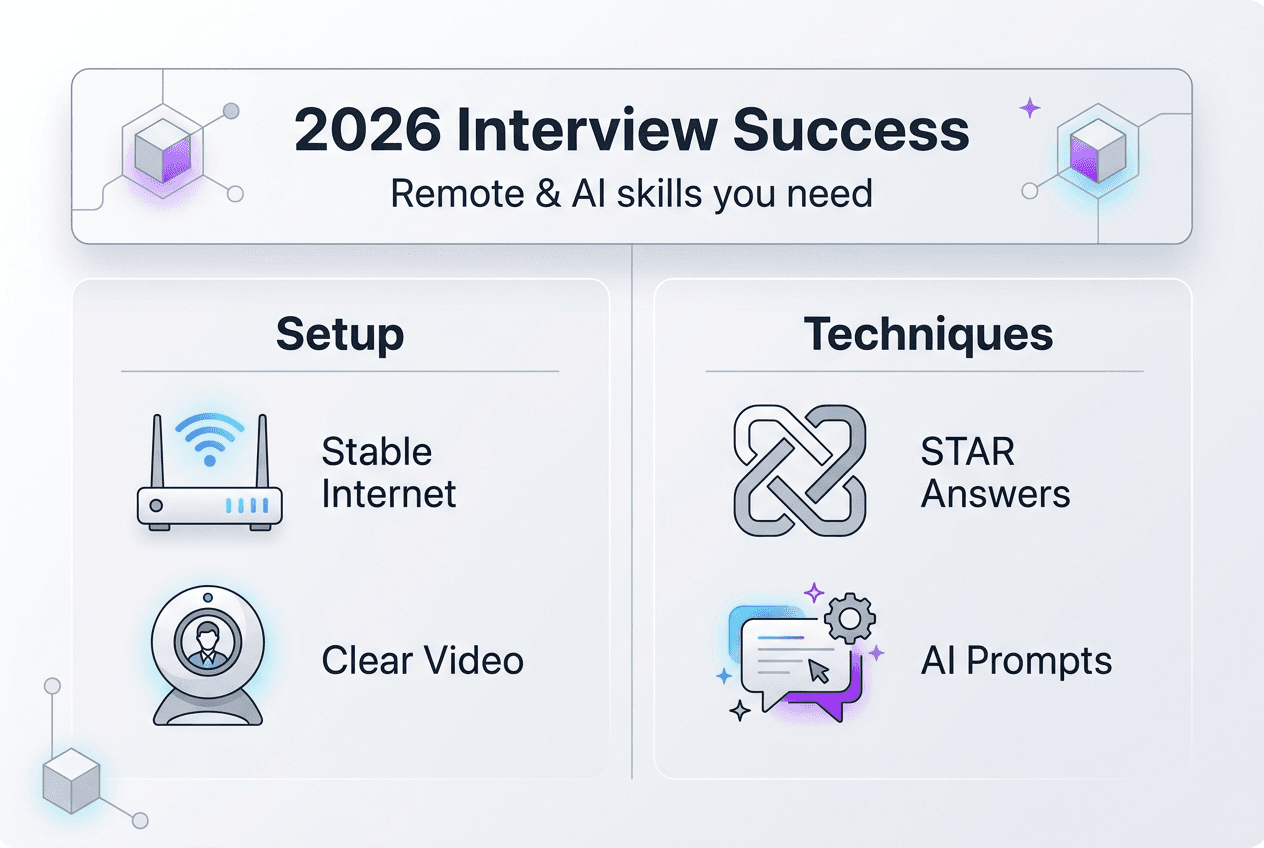
Consider this comparison of AI assistance approaches:
| Approach | Benefits | Risks | Example Use |
|---|---|---|---|
| No AI use | Complete authenticity, no detection risk | Higher stress, potential for missed opportunities | Traditional preparation only |
| Discreet AI prompts | Confidence boost, edge case reminders | Possible detection, ethical concerns | Quick keyword suggestions |
| Heavy AI reliance | Faster answers, broader knowledge access | High detection risk, skill misrepresentation | Reading full AI-generated responses |
| AI for preparation only | Authentic performance, enhanced readiness | No real-time support | Practice sessions with AI feedback |
Key considerations when evaluating AI assistance:
- Verify company policies on AI tool usage before your interview
- Use AI to enhance your existing knowledge, not fabricate competencies
- Practice with AI tools during mock interviews to understand their limitations
- Consider detection risks and long-term career implications of misrepresenting skills
- Focus on building genuine expertise that doesn’t require real-time AI support
For guidance on responsible AI use, explore how to use AI in interviews for job success in 2026 and Google interview AI assistance strategies.
Verify success: follow-up strategies and measuring improvement
Your interview doesn’t end when you log off. Send a personalized thank-you email within 24 hours that references specific discussion points and reinforces your interest. Mention a particular challenge or project you discussed and briefly explain how your background positions you to contribute. This thoughtful follow-up keeps you top of mind and demonstrates professionalism.
Reflect on your performance while details are fresh. What questions caught you off guard? Where did you communicate clearly versus stumble? Document these observations in a journal to identify patterns across multiple interviews. Structured interviews and benchmarking improve validity and lead to superior performance over time.
Conduct regular mock interviews with peers or mentors who can provide honest feedback. Record these sessions and compare your performance across attempts. Track which answer frameworks and stories resonate most strongly with interviewers. This data-driven approach helps you refine your strongest material and eliminate weak points.
Key improvement strategies:
- Schedule mock interviews every 2 weeks to maintain sharp interview skills
- Create a feedback log tracking strengths, weaknesses, and improvement areas
- Practice with updated questions from software engineer interview questions resources
- Develop 2 to 3 new accomplishment stories each month to keep examples fresh
- Review behavioral interview tips for developers to refine your technique
- Establish a mentorship relationship for ongoing interview coaching
- Set measurable goals like reducing filler words by 50% or improving answer conciseness
Consistent practice and structured feedback create a continuous improvement loop that compounds over time. Each interview becomes a learning opportunity rather than a high-stakes gamble.
Boost your interview performance with MeetAssist AI tools
Applying these strategies takes practice and confidence. MeetAssist provides real-time AI assistance during remote interviews, offering answer suggestions and coding help exactly when you need them. The platform integrates seamlessly with Google Meet, Microsoft Teams, and other video platforms while supporting multiple AI models including GPT-4.1, Claude, Llama, and Cerebras.

Phone Mode takes discretion further by syncing all transcripts and AI suggestions to your phone, keeping your computer screen completely clean during coding interviews. You can remotely capture and analyze any Chrome tab from your phone, whether it’s a technical assessment or behavioral question prompt. Comprehensive MeetAssist usage tutorials and the phone mode guide help you integrate these tools responsibly into your preparation routine, giving you an edge while maintaining ethical boundaries.
How to improve interview performance: frequently asked questions
What are the best practices for using AI during job interviews?
Understand your target company’s policies on AI assistance before your interview. Use AI tools to enhance preparation and provide discrete prompts rather than reading full responses. Focus on building genuine skills that don’t require constant AI support. Review AI in interviews 2026 guidance for ethical frameworks.
How should I prepare for behavioral questions in remote interviews?
Use the STAR method to structure clear, compelling stories about your accomplishments. Research the company culture and tailor your examples to align with their values. Practice delivering answers aloud while timing yourself to avoid rambling. Prepare 5 to 7 core stories that demonstrate different competencies you can adapt to various questions.
What’s the best way to set up a distraction-free environment at home?
Choose a quiet room with a clean background and close the door to prevent interruptions. Inform household members of your interview time and ask them to minimize noise. Silence phone notifications and close unnecessary applications on your computer. Use headphones to improve audio quality and reduce ambient sound. Position your camera at eye level with front-facing lighting.
How do I handle technical difficulties during a remote interview?
Have your interviewer’s phone number or email ready as a backup contact method. Test your setup 24 hours before and again 30 minutes before the interview. If issues occur, stay calm and communicate clearly about the problem. Offer to switch to phone audio if video fails. Keep an alternative device nearby as a backup. Most interviewers understand technical hiccups and appreciate professional problem-solving.
How can I measure improvement across multiple interviews?
Create a feedback journal documenting strengths, weaknesses, and specific questions from each interview. Conduct regular mock interviews and record them to track progress over time. Note which answers and stories resonate most with interviewers. Set measurable goals like reducing filler words or improving answer conciseness. Review customized remote interview strategies to benchmark your performance against best practices.
Recommended
- Customized Interview Strategies for Remote Success | MeetAssist
- Remote interview assistance for confident job success 2026 – MeetAssist | MeetAssist
- AI Interview Prep in 2026: Boost Confidence by 35% – MeetAssist | MeetAssist
- AI interview assistance: boost job success in 2026 – MeetAssist | MeetAssist