
AI Interview Assistant
Chrome Extension
An AI interview helper extension for Google Meet, Zoom in your browser and Microsoft Teams on the web.
20 free minutes, topped up daily · No card · Visible on screen share
- rating, 27 reviews
- 4.1
- rating, 27 reviews
- users
- 5,000
- users
- Chrome Web Store
- Featured
- Chrome Web Store
- languages
- 45
- languages
Real-time answers in your meeting tab. For Meet, Zoom and Teams in Chrome.
- Google Meet
- Zoom in the browser
- Microsoft Teams on the web
Hears the interviewer. Hears you.
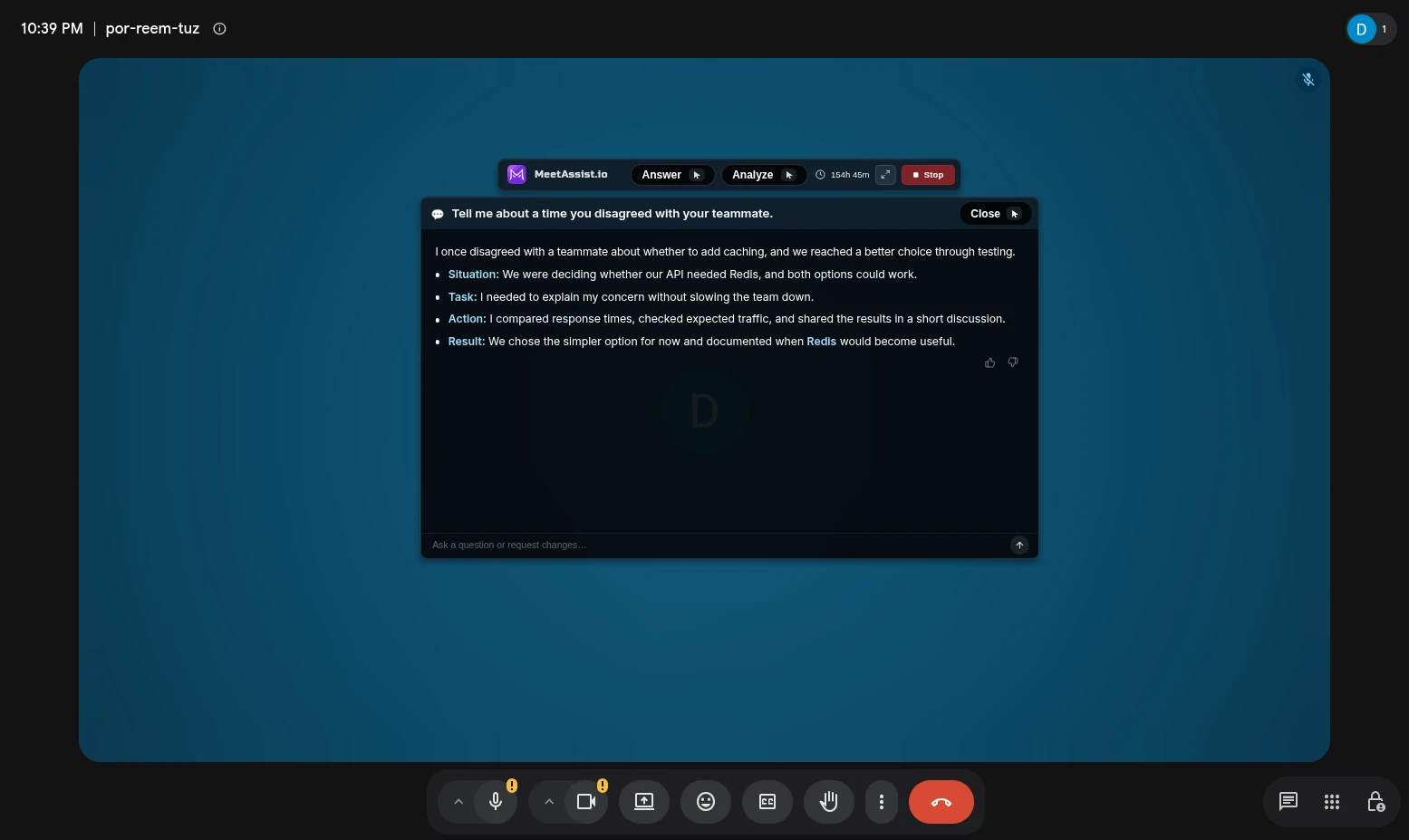
Detects questions. Writes answers in real time.
Transcripts in 45 languages.
Interview answers for your role. Based on your experience.
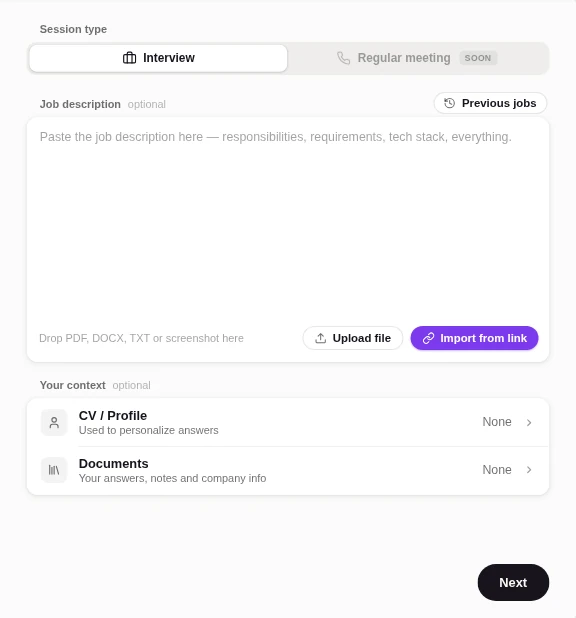
Your job description
Your CV / profile
Your documents
Real-time answers with GPT, Claude or Gemini.
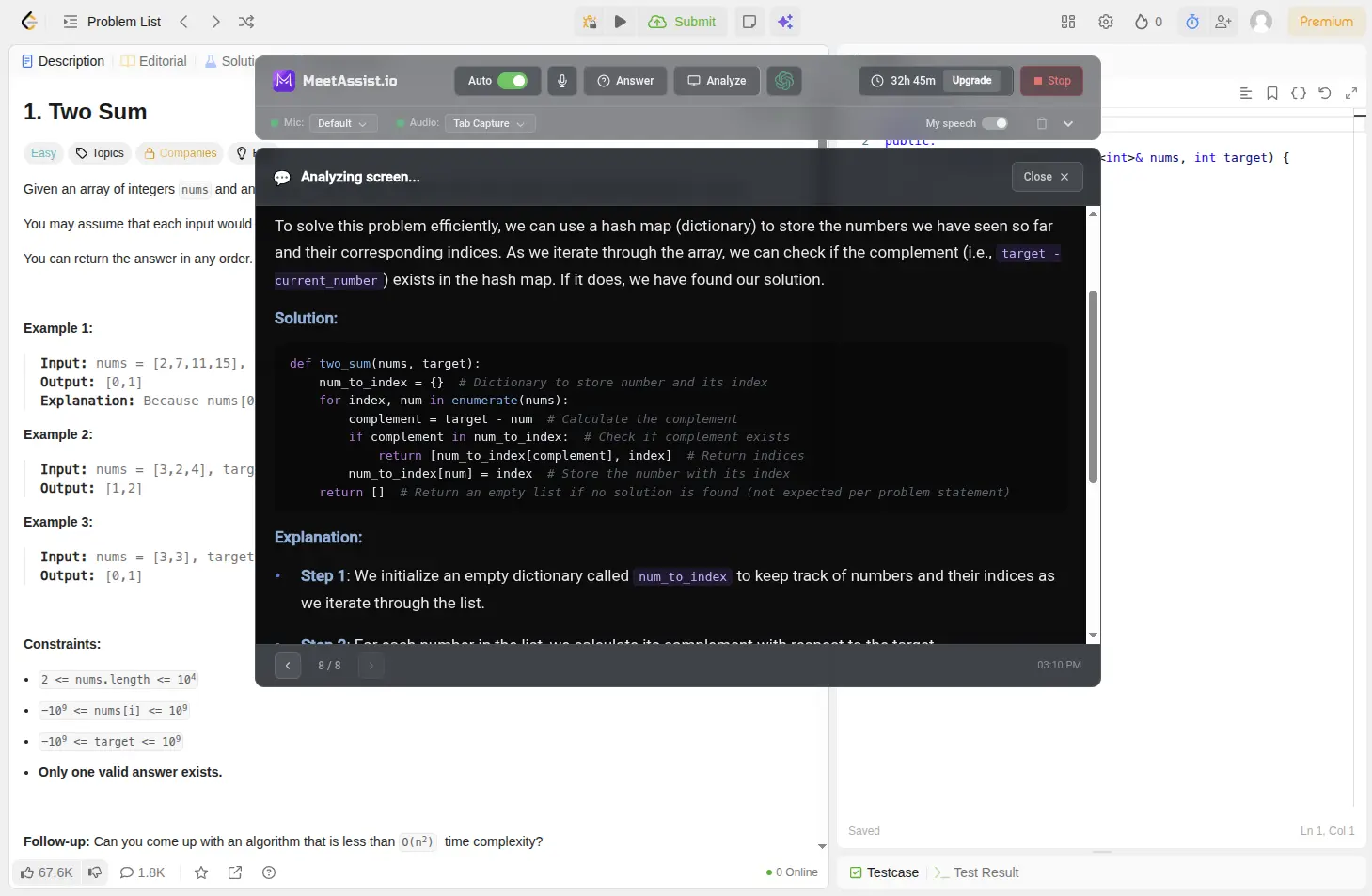
Coding and quiz questions in your tab. Click Analyze.
Coding: approach, code and explanation.
Time and space complexity.
Multiple choice: an answer and a short reason.
One click reads the tab MeetAssist is open in, not your other tabs. Live coding round? AI coding interview assistant
Add the Chrome extension. Start in your meeting tab.
Step 1
Add MeetAssist from the Chrome Web Store.
Step 2
Join your meeting in Chrome.
Step 3
Click MeetAssist. Sign in. Start session.
Allow Chrome to share the meeting tab with audio and your microphone. Chrome extension setup
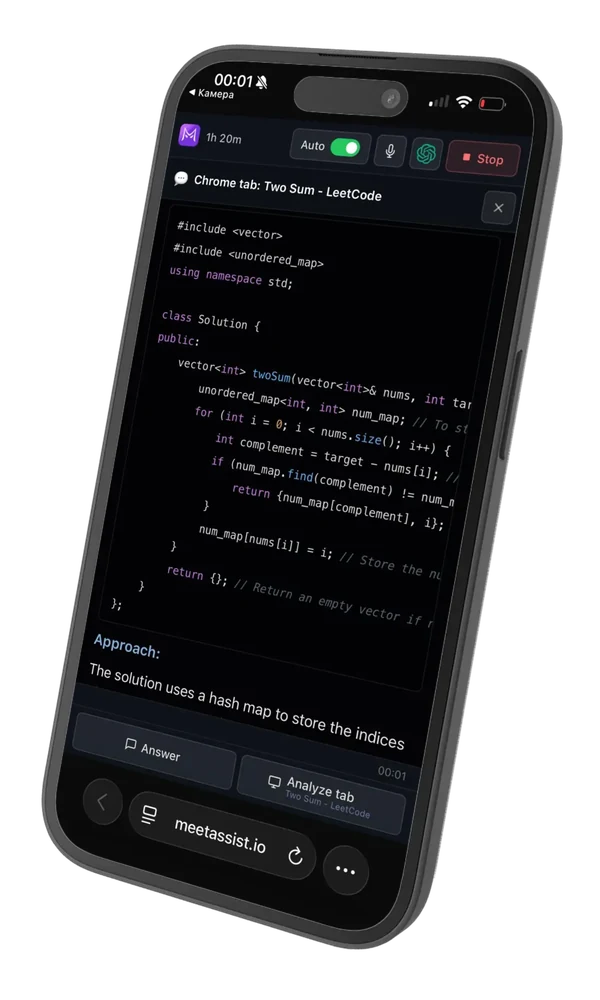
Read answers on your phone. Keep them off the shared screen.
Start on phone. Scan the QR code.
Read the transcript and answers.
Analyze the tab in front on your computer.
The extension is visible on screen share. For screen-share interviews, use Phone Mode or the desktop AI interview assistant.
20 free minutes. Topped up to 20 every day.
$9
180 minutes
$19
Unlimited Week
$29
Unlimited Month
 Add to Chrome
No card to start. One-time payments, no subscription. See pricing
Want it undetectable? Get the desktop app. Hidden from screen sharing and recordings.
Try our desktop app
The Undetectable
AI Interview Assistant
- Same features as the extension.
- Invisible on screen share.
- Coding mode with your phone as the remote.
20 free minutes · No card required
AI interview assistant extension FAQ
MeetAssist is an AI interview copilot that runs in your Chrome tab. Add it from the Chrome Web Store and join your meeting in Chrome. Click the MeetAssist icon on that tab, sign in and select Start session. Allow Chrome to share the tab with audio and your microphone.
Yes, in Google Meet, Zoom in the browser and Microsoft Teams on the web. The extension cannot hear the Zoom or Teams desktop apps. Use the MeetAssist desktop app for those.
MeetAssist runs in desktop Chrome 116 or later on Windows, Mac and Linux. Nothing needs to be installed outside Chrome.
Yes. It captures the meeting tab’s audio and your microphone. The transcript labels speakers as Interviewer and You. It supports 45 languages.
Yes. Answers can be tuned to your job description, CV / profile and documents. MeetAssist offers GPT, Claude and Gemini models.
Analyze takes one picture of the tab MeetAssist is open in when you click it. It gives a coding approach, code, an explanation and the time and space complexity, or a multiple-choice answer with a short reason. It does not read other tabs.
Yes. It is part of the page and shows when you share that tab or your screen. For screen-share interviews, use Phone Mode or the desktop app.
Choose Start on phone and scan the QR code. No phone app is needed. Your phone shows the transcript and answers, and Analyze tab on the phone reads the tab in front on your computer.
No. The Chrome extension works on its own in browser meetings. Choose the desktop app if the call is in the Zoom or Teams app, or if you will share your screen.
You get 20 free minutes, topped up to 20 once a day in the extension. No card is required. After that, one-time payments of $9, $19 or $29. There is no subscription.
Still have a question? Talk to us →
Follow each interview’s rules on AI help.
Your next interview, in Chrome. Start with 20 free minutes.
No card. Nothing to install outside Chrome.
Sharing your screen? Get the desktop app