
Desktop guide · Windows and Mac
How to use MeetAssist
Every screen and button of the app, explained with pictures. 42 short pages, from the first sign in to the report after your interview.
Start here
A whole interview in three pages.
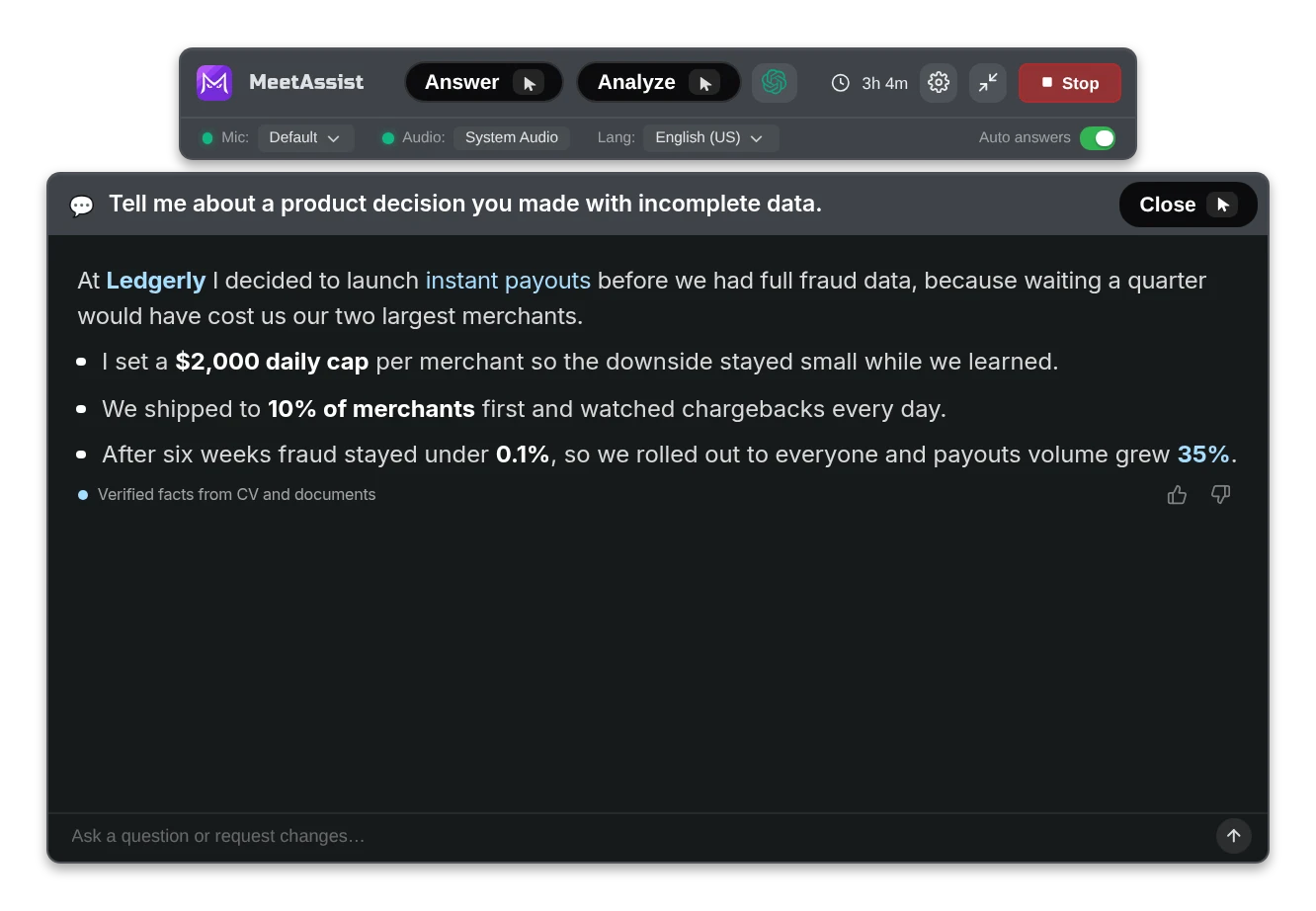
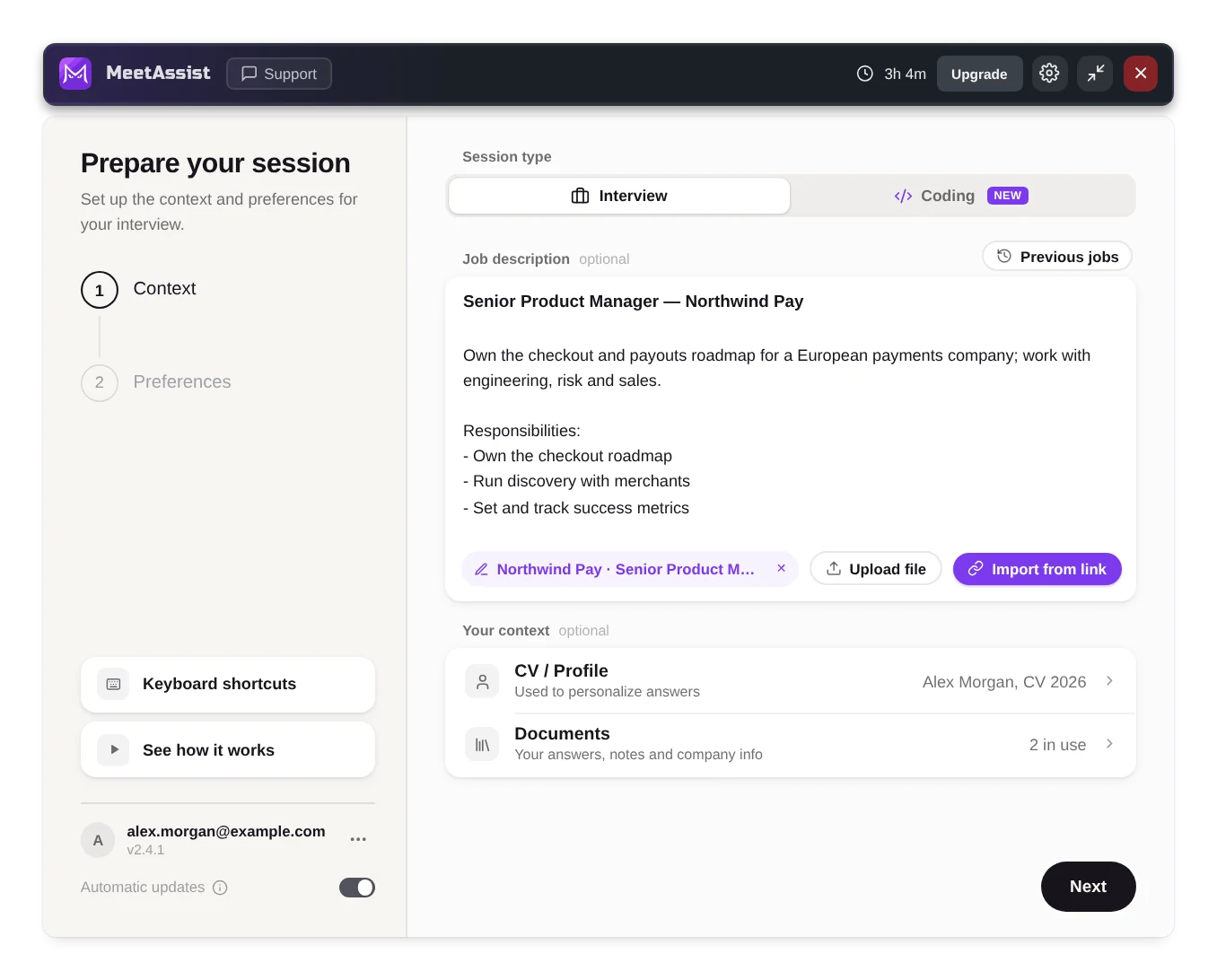
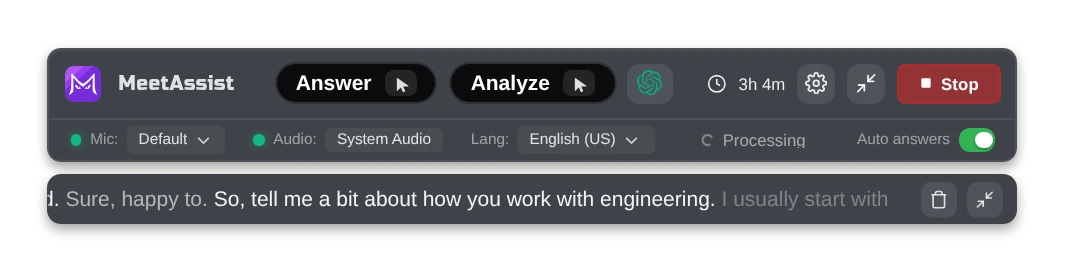
Your interview
Ready for the call you actually have.
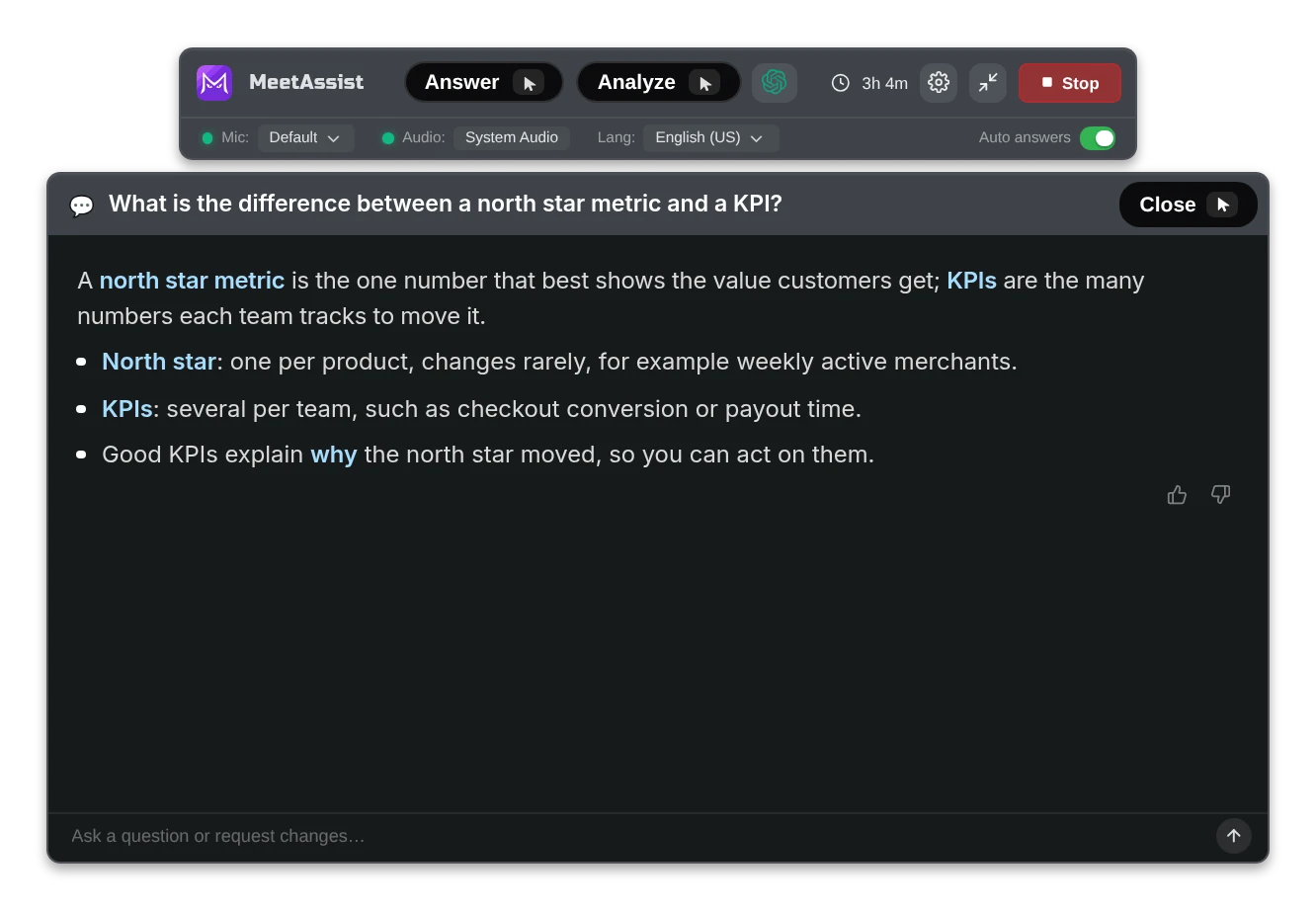
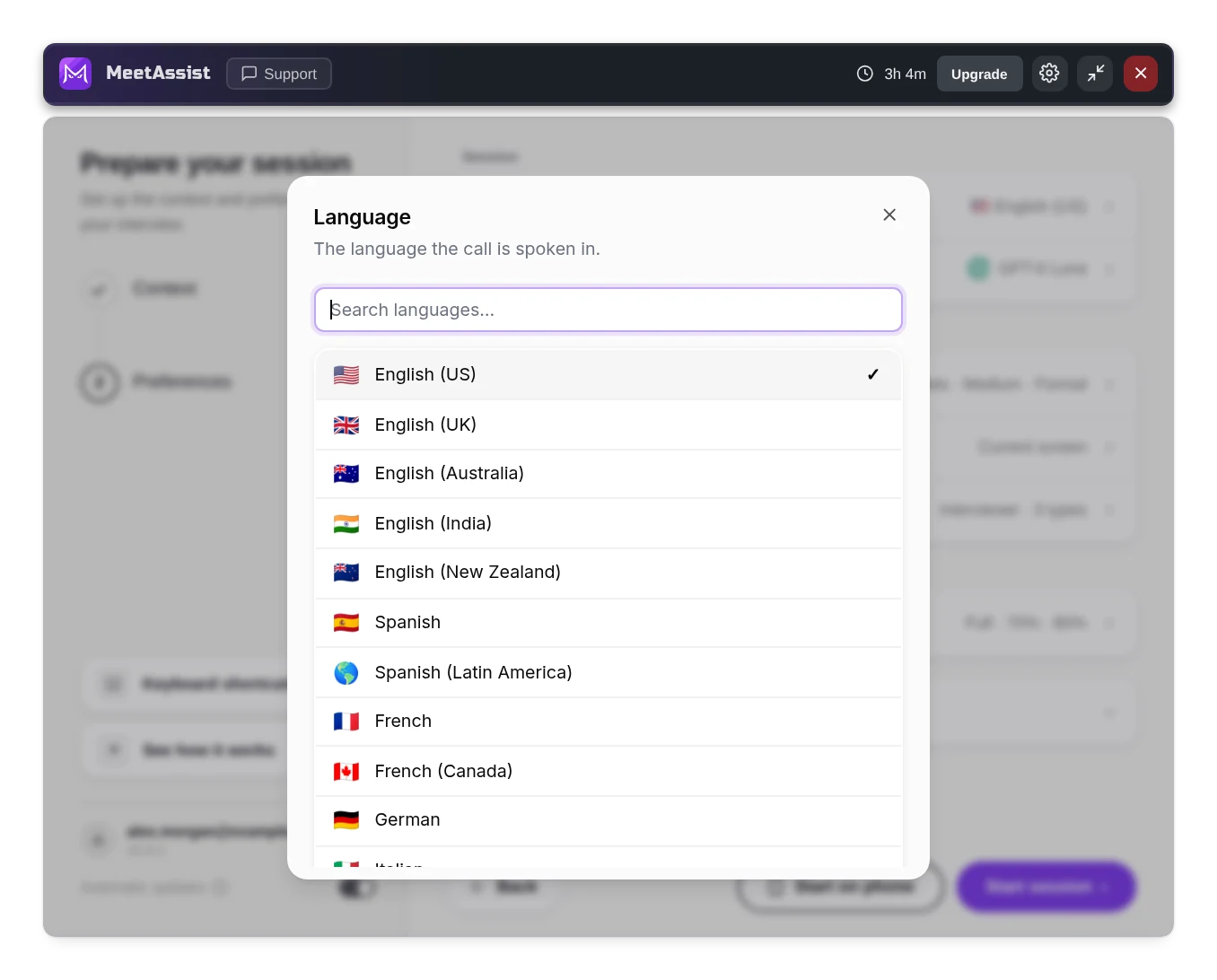
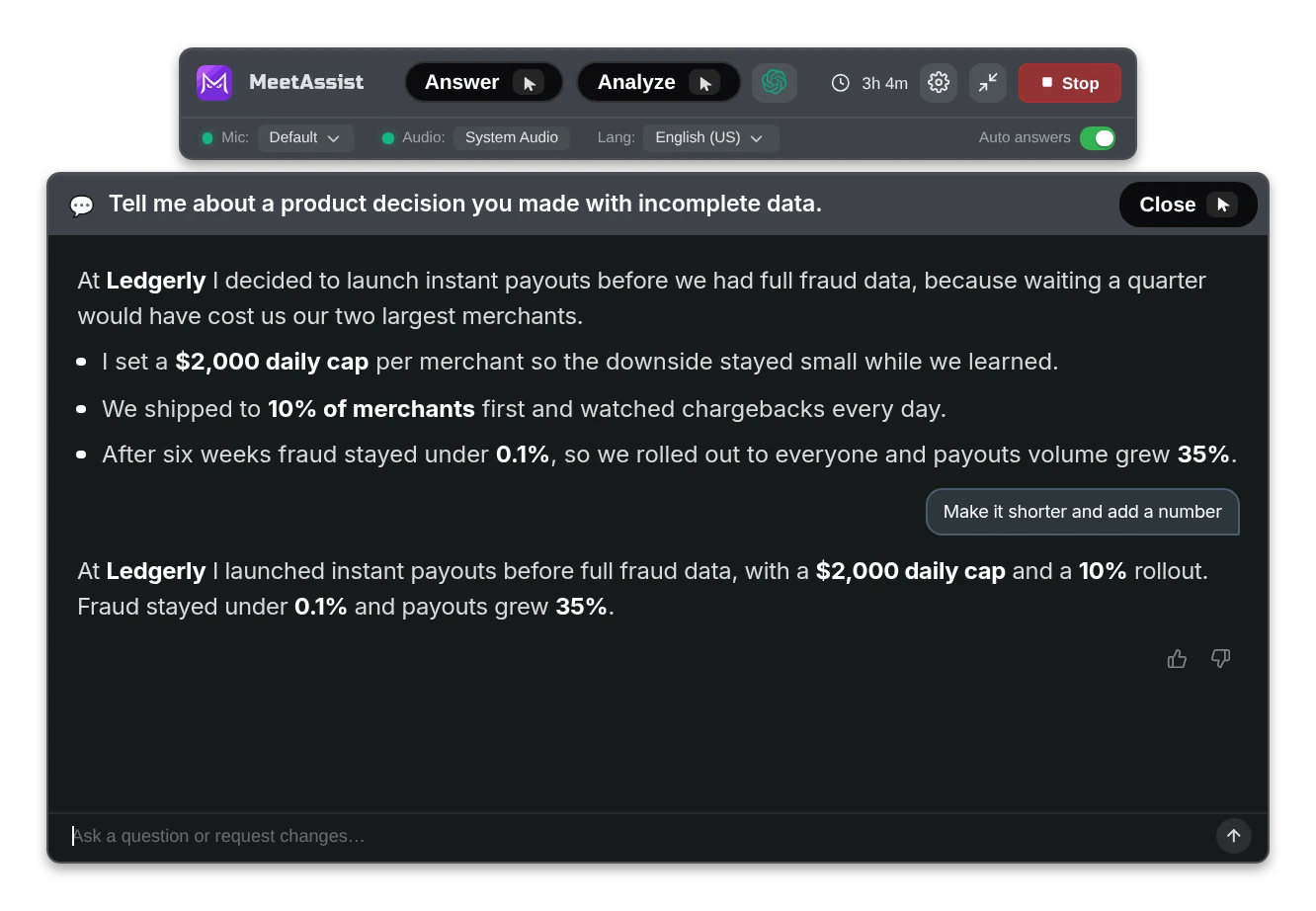
Sharing your screen
Share your screen and keep MeetAssist to yourself.
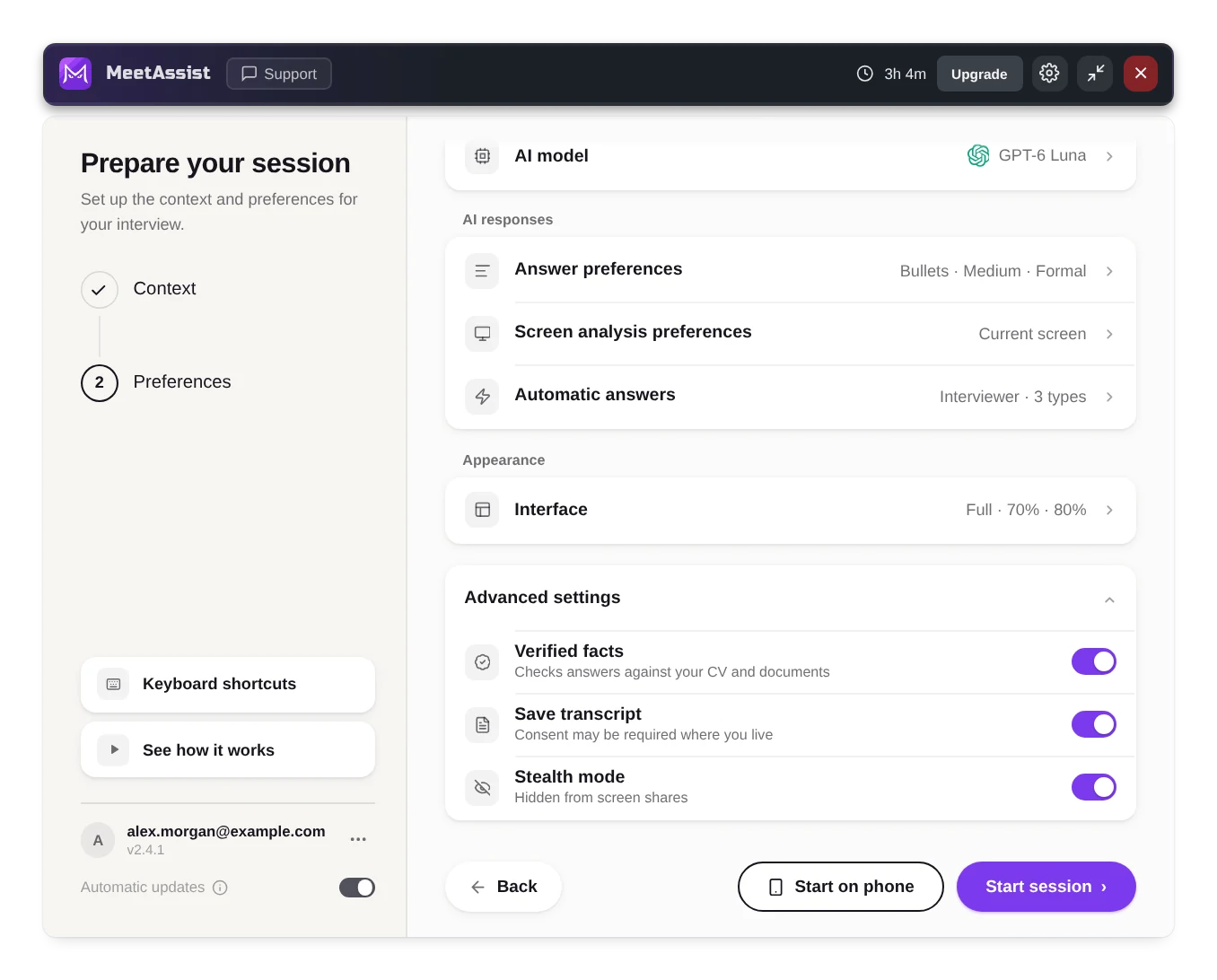
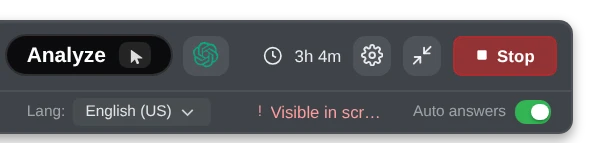
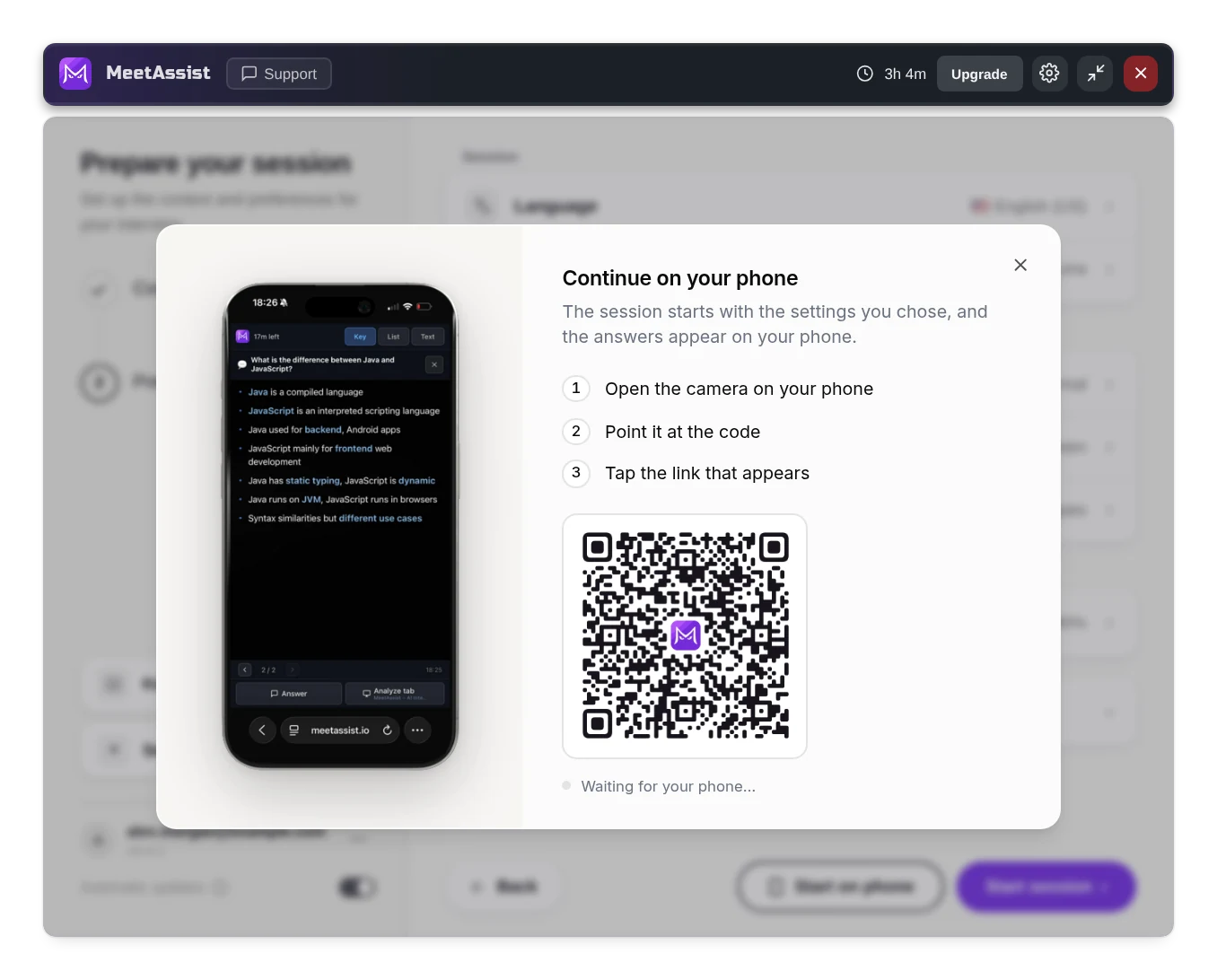
Technical rounds
A task on screen, a quiz or live coding.
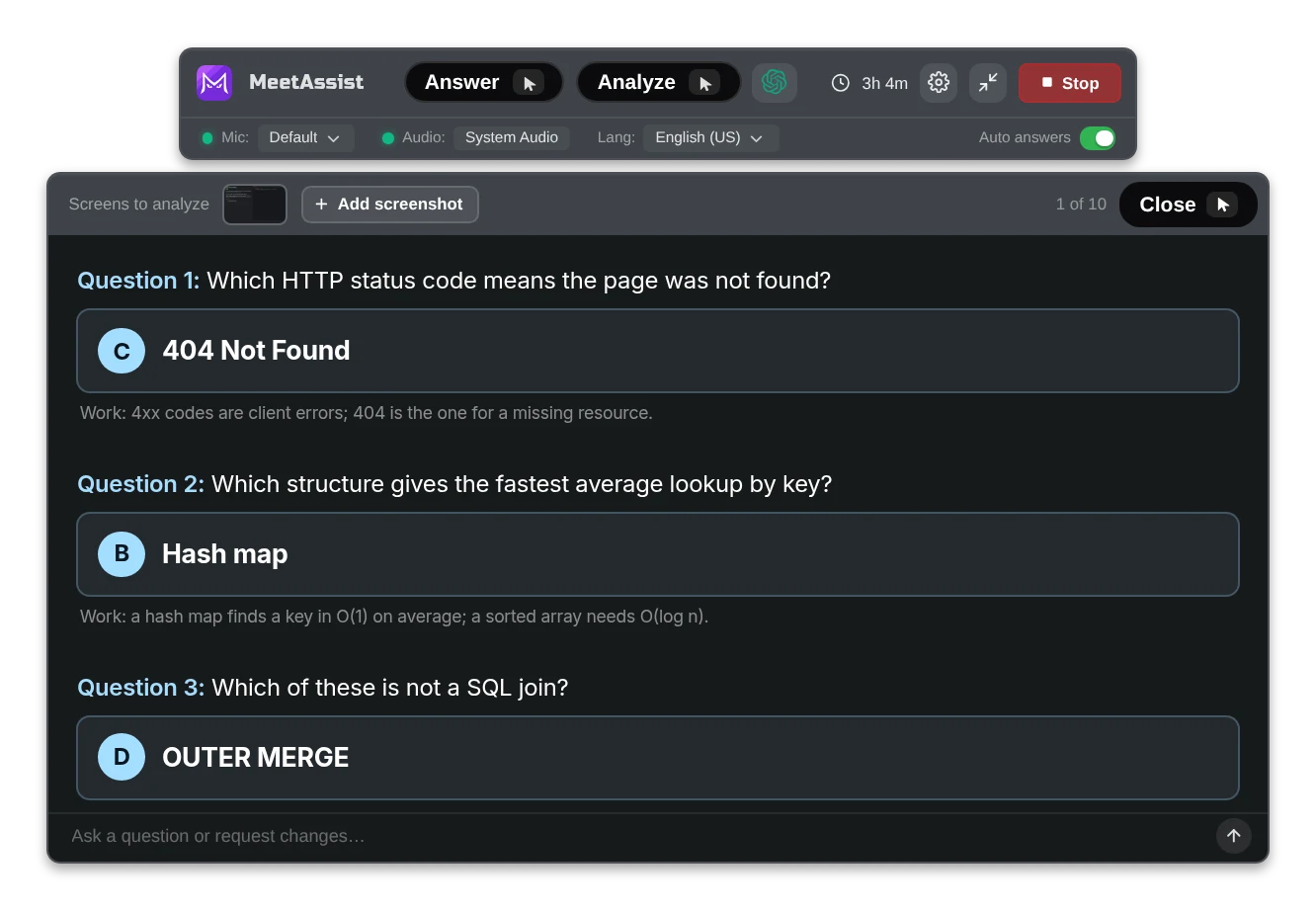
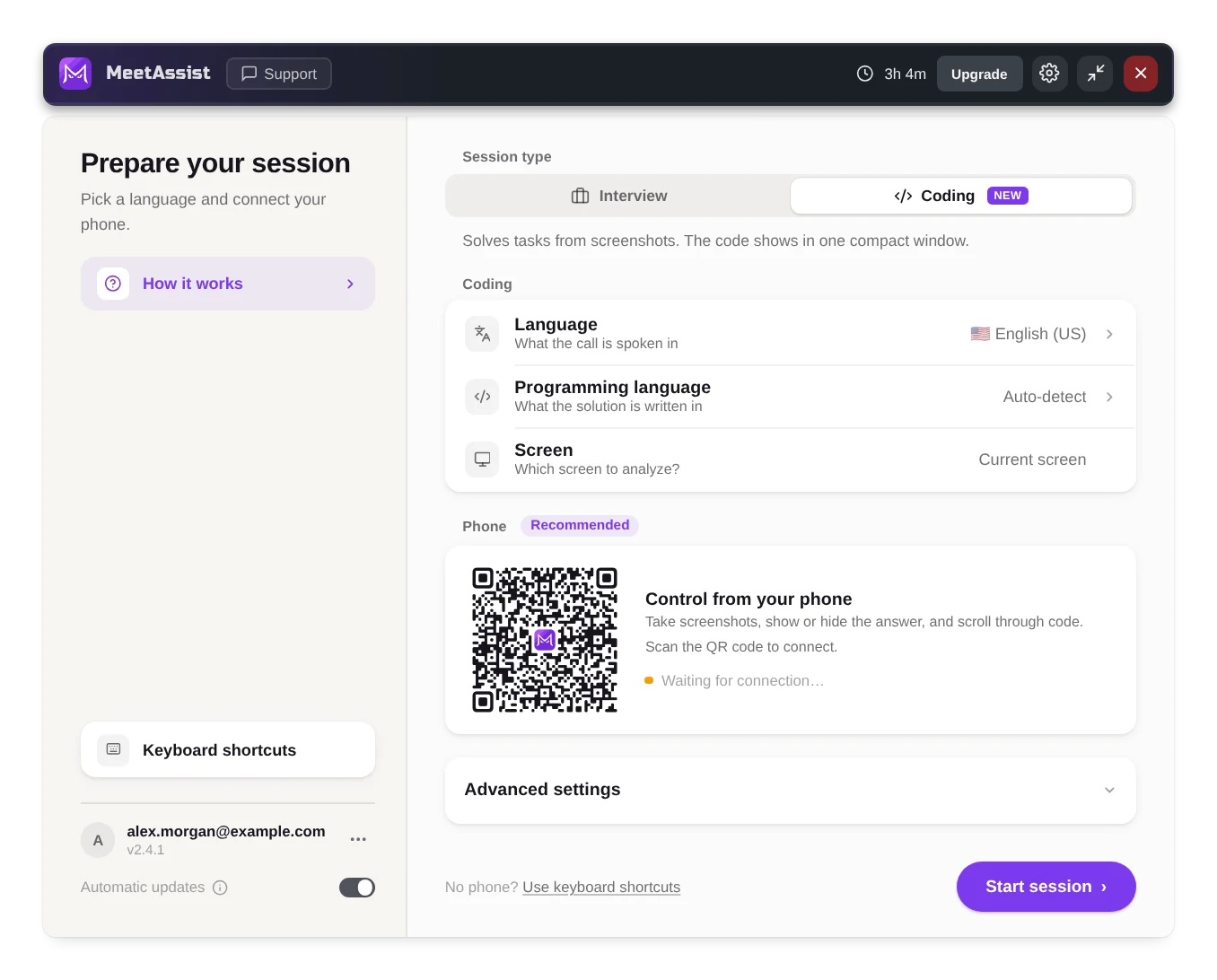
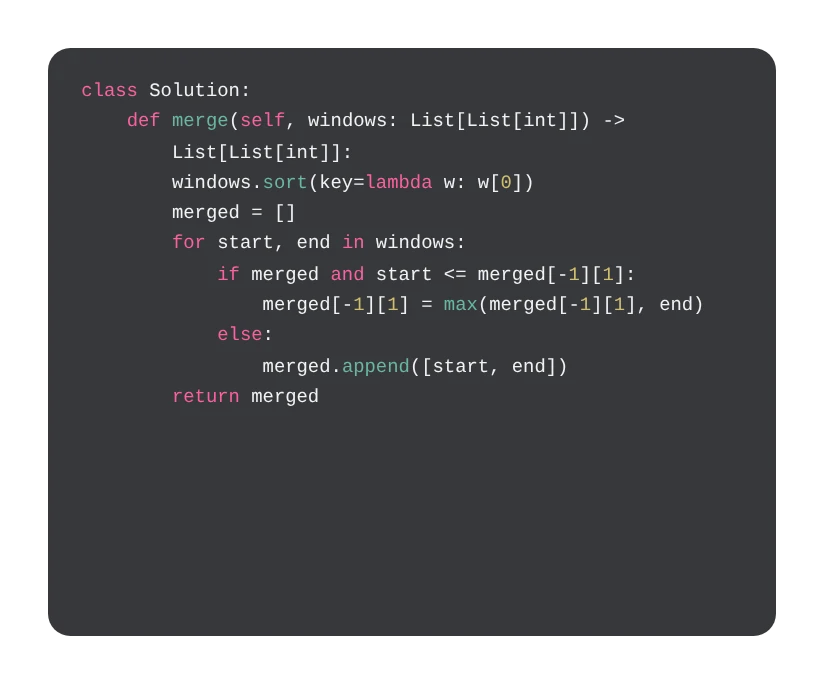
All topics
Get started
Sign in, give the app its permissions and run your first interview.
Before the interview
The setup screen: the job, your CV and documents, and how answers should be.
During the interview
The toolbar, answers, Analyze, follow-ups and your phone.
After the interview
The report and the transcript of the call.
Coding interviews
The code window and how to control it.
Step-by-step guides
From opening the app to the end of the call, for common situations.
Troubleshooting
Fixes for the problems people run into most.
Something not working?
The fixes people need most.