
How to use an AI assistant for interviews on Google Meet (2026)

 MeetAssist
· 4 min read

Contents
MeetAssist is an AI interview assistant that helps you answer questions in real time during Google Meet video calls. It listens to the interviewer's questions and instantly generates answer suggestions — so you can stay focused and confident instead of freezing under pressure.
This guide walks you through how to install and run MeetAssist for Google Meet, step by step.
Contents
What you need
Before you start, make sure you have:
- A computer (Windows, Mac, or Linux) with Google Chrome
- A scheduled interview on Google Meet
- A stable internet connection
- A working microphone
Important: MeetAssist only works in Chrome on desktop. The Google Meet mobile app (Android/iOS) is not supported.
Step-by-step guide
1 Install the MeetAssist Chrome extension
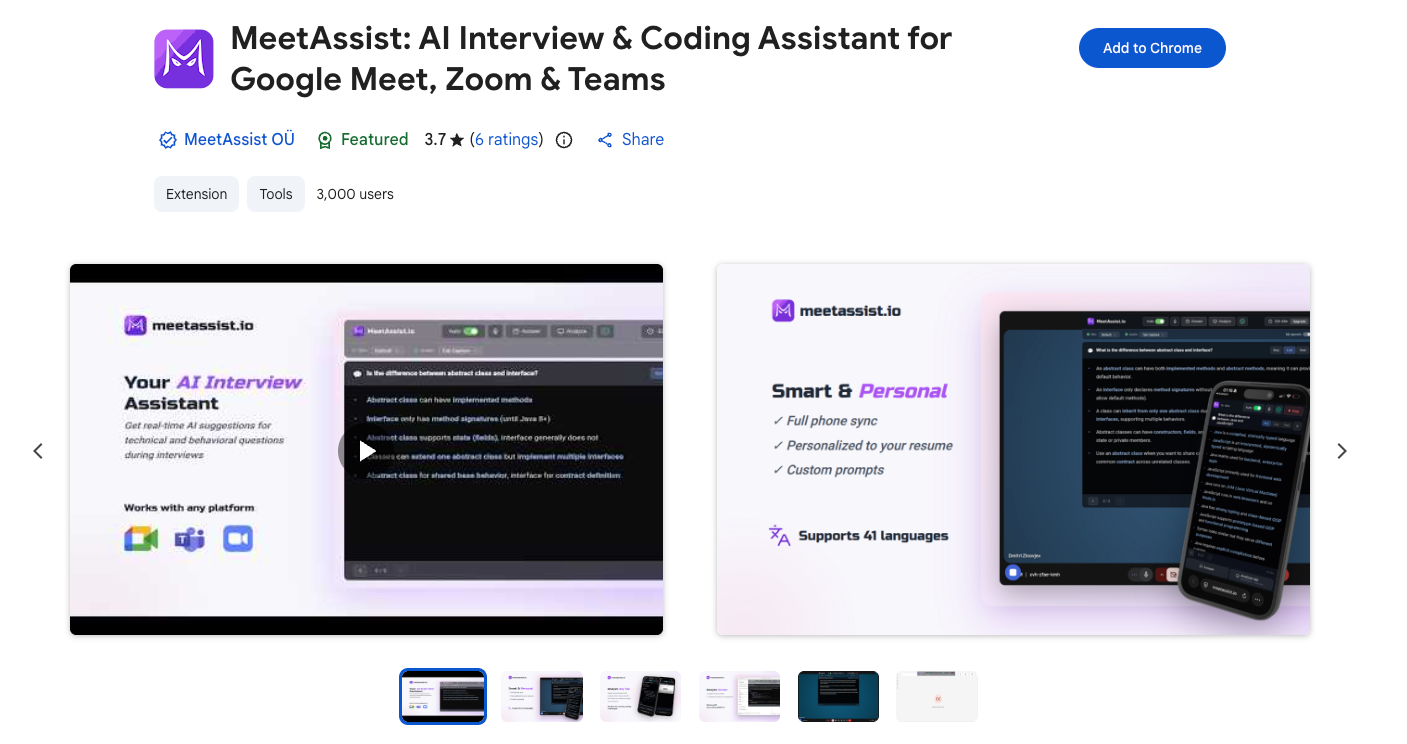
Go to the Chrome Web Store and find MeetAssist. Click "Add to Chrome" and confirm the installation in the popup.
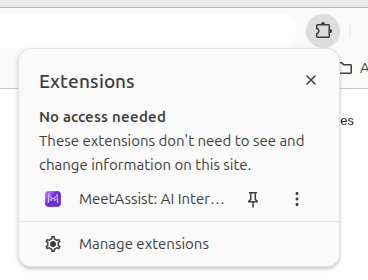
Once installed, the MeetAssist icon will appear in the Chrome extensions panel in the top-right corner of your browser.
2 Join your Google Meet interview
Open meet.google.com and join the interview call as usual. Make sure your microphone is working — MeetAssist captures both your voice and the tab audio with the interviewer's voice.

3 Open MeetAssist and click Start
While in an active Google Meet call:
- Click the MeetAssist icon in the Chrome toolbar
- A side panel will open on the right
- Click the "Start" button
Click the MeetAssist icon in the Chrome toolbar
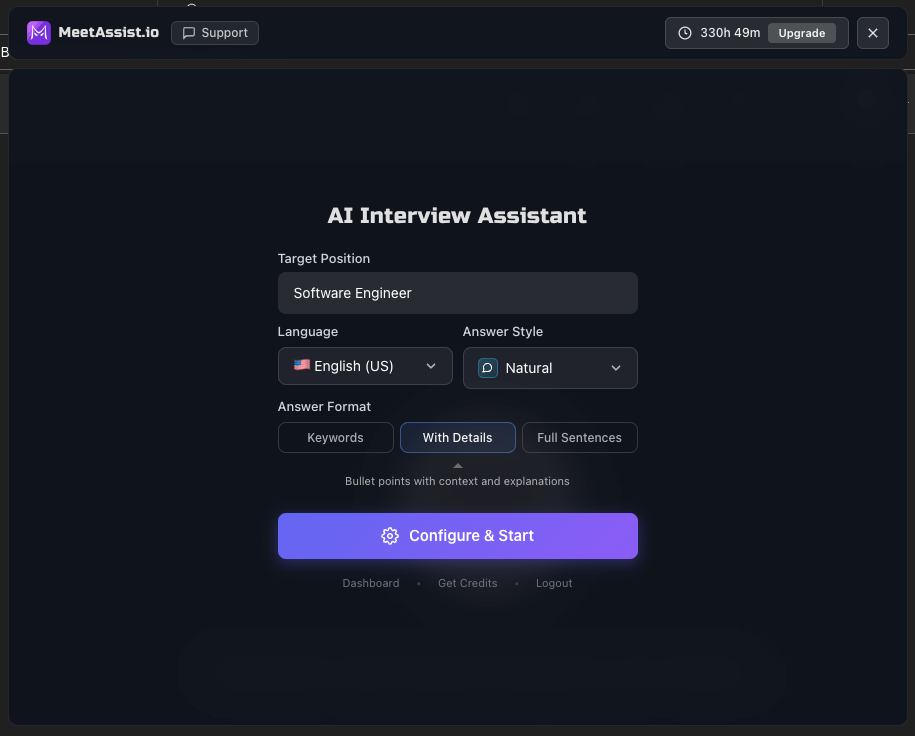
MeetAssist will start listening to the conversation.
4 Get real-time AI suggestions
When the interviewer asks a question, MeetAssist automatically picks it up and generates answer options within a few seconds.
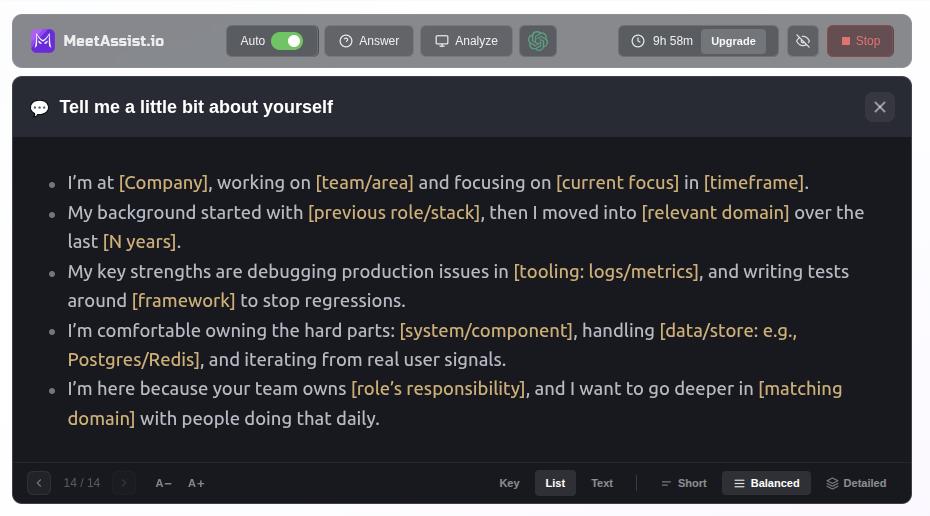
Only you can see the suggestions - the interviewer can't see or hear them.
Answer styles
You can choose the format in which AI generates answers:
- Concise - short, direct answer
- Detailed - a more in-depth explanation
- STAR method - Situation → Task → Action → Result, ideal for behavioral questions ("Tell me about a time when...")
- Bullet Points - answer as a list, easy to read and speak from
Choosing an AI model
MeetAssist lets you choose which AI model generates your suggestions:
- GPT-5.4 Nano - speed 9, quality 6.5 - recommended
- Gemini 3.1 Flash - speed 9, quality 6.5
- GPT-OSS 120B - speed 10, quality 6.5 - fastest
- GPT-5.4 Mini - speed 8, quality 8
- GPT-5.4 - speed 6, quality 9.5 - best for complex questions
- Claude Haiku 4.5 - speed 8, quality 8.5
- Claude Sonnet 4.6 - speed 5, quality 10 - best answer quality
Pricing
Start with the free 20-minute trial — enough to try MeetAssist before your real interview. No credit card needed.
 Or add the Chrome extension