
Technical interviews can feel intense when every second counts and clear answers matter. Early-career developers strive to respond accurately under pressure, but juggling coding challenges with behavioral questions is tough. Setting up real-time AI support with MeetAssist offers a way to bridge this gap, providing instant answer suggestions and tailored guidance during every interview moment so you stay focused and confident.
Table of Contents
- Step 1: Set Up MeetAssist for Real-Time AI Support
- Step 2: Upload Resume and Customize Answer Styles
- Step 3: Practice Coding Challenges and Behavioral Questions
- Step 4: Verify Responses Using Phone Mode Analysis
- Step 5: Review Performance and Refine Preparation
Quick Summary
| Important Takeaway | Explanation |
|---|---|
| 1. Install MeetAssist for Interviews | MeetAssist provides AI support during interviews, enhancing response quality and speed. Set it up in under five minutes for real-time assistance. |
| 2. Upload a Customized Resume | Adding your resume allows the AI to tailor suggestions based on your actual experience, making responses more relevant and authentic. |
| 3. Practice with Mock Interviews | Conduct multiple practice sessions with MeetAssist to build confidence, using different question types to become comfortable before the real interview. |
| 4. Use Phone Mode for Better Focus | Activating Phone Mode lets you receive AI support discreetly on your phone, ensuring a clean computer screen for coding or sharing during interviews. |
| 5. Analyze Transcripts for Improvement | Reviewing interview transcripts helps identify weaknesses and refine responses, ensuring you learn and improve for future interviews. |
Step 1: Set Up MeetAssist for Real-Time AI Support
You’re about to transform your interview experience. Installing MeetAssist gives you a personal AI assistant that listens during your interview and suggests answers in real time.
The setup process takes less than five minutes. Start by visiting the Chrome Web Store and searching for MeetAssist.
Here’s what you’ll do:
- Click the “Add to Chrome” button on the extension page
- Confirm the permissions popup by clicking “Add extension”
- Wait for the installation to complete (you’ll see it in your extensions menu)
- Pin the MeetAssist icon to your toolbar for quick access
Once installed, open your browser settings and verify MeetAssist has permission to access your microphone and camera. These permissions are essential for the extension to listen to interview questions and transcribe them accurately.
MeetAssist transcribes your interview questions in real time without recording audio, so your privacy remains protected throughout the process.
Now test your setup before your actual interview. Open a test video call using Google Meet or Microsoft Teams and launch MeetAssist. You should see the control panel appear on your screen, showing transcription starting.
Join a practice session with a friend or mentor to confirm everything works smoothly. Listen for the AI suggestions appearing as your partner asks practice questions. This dry run prevents surprises during your actual technical assessment.
When you’re ready for your real interview, you can use Phone Mode to move everything to your phone. This keeps your computer screen clean while maintaining all the AI support benefits. Understanding real-time human-AI collaboration during live interviews helps you maximize your setup effectiveness.
Meet the different AI models available once you’re inside the platform. You can customize answer styles between concise responses, detailed explanations, the STAR method, or bullet points depending on what the interviewer expects.
Pro tip: Upload your resume to MeetAssist before your interview so the AI can reference your experience and tailor suggestions that align with your actual background and skills.
Here’s how MeetAssist’s main features impact your interview preparation guides:
| Feature | How It Works | Business Impact |
|---|---|---|
| Real-Time AI Suggestions | Listens to interview, provides instant answers | Increases candidate response speed and accuracy |
| Resume Integration | AI references uploaded resume for tailored advice | Ensures answers match real experience and skills |
| Customizable Answer Styles | Offers concise, detailed, STAR, or bullet responses | Adapts to different interviewer expectations |
| Phone Mode | Moves interface to phone for discreet support | Keeps computer screen clear for coding tasks |
| Transcript Analysis | Collects and reviews interview transcripts | Identifies improvement areas and tracks progress |
Step 2: Upload Resume and Customize Answer Styles
Your resume is the roadmap for your interview. By uploading it to MeetAssist, you give the AI context about your experience so it can suggest answers that authentically reflect your background.
Start by preparing your resume file. Make sure it highlights your most relevant skills and achievements for the specific role you’re interviewing for. Creating a strong resume means tailoring content to match the job description and using specific, quantifiable language that shows your value.
Here’s how to upload your resume to MeetAssist:
- Open MeetAssist after installation
- Look for the profile or settings section
- Click “Upload Resume” or “Add Resume”
- Select your resume file from your computer
- Wait for the system to process and analyze your document
Once your resume is uploaded, the AI learns your background and can reference specific projects, skills, and achievements during interviews. This personalization makes suggestions feel natural and grounded in your actual experience.
When MeetAssist understands your resume, it stops suggesting generic answers and instead creates responses that align with your professional story.
Next, customize your answer style preferences. MeetAssist offers multiple formats depending on what works best for you and your interviewer.
Choose your preferred answer style:
- Concise responses for fast-paced technical interviews
- Detailed explanations for behavioral or comprehensive assessments
- STAR method formatting for structured behavioral questions
- Bullet points for quick scanning and visual clarity
You can switch styles during your interview based on the question type. Technical coding questions might need bullet points, while behavioral questions benefit from the STAR method. Test each style during your practice sessions to see which feels most comfortable.
Consider uploading a resume version tailored to your target company or role if you’re interviewing for multiple positions. Different companies value different skills, and a customized resume helps MeetAssist generate more relevant suggestions aligned with what that specific employer prioritizes.
Pro tip: Select the STAR method style for behavioral questions—it forces structured, impressive answers that hiring managers expect, making you sound more prepared and thoughtful.
Here is a comparison of answer styles for interview questions:
| Answer Style | Ideal Use Case | Key Strength |
|---|---|---|
| Concise Response | Technical, rapid-fire questions | Speeds up communication |
| Detailed Explanation | Behavioral or complex assessments | Demonstrates depth of understanding |
| STAR Method | Structured behavioral questions | Highlights organized thinking and results |
| Bullet Points | Coding, quick scans, visual clarity | Easy to review and remember |
Step 3: Practice Coding Challenges and Behavioral Questions
Practice transforms nervousness into confidence. This step combines technical coding drills with behavioral question rehearsal, mimicking real interview conditions with MeetAssist supporting you throughout.
Start with coding challenges on platforms that let you solve problems under time pressure. Practicing data structures and algorithms problems builds the muscle memory you need to solve unfamiliar questions quickly without second-guessing yourself.
Here’s your practice routine:
- Select a coding problem at your skill level
- Set a timer for 45 minutes (simulate real interview pace)
- Solve the problem without looking at solutions
- Run your code against test cases
- Review your solution and optimize if needed
Mix easy, medium, and hard problems throughout your preparation. Don’t just solve problems—focus on core concepts like arrays, dynamic programming, and graph algorithms. Understanding the underlying patterns matters more than memorizing solutions.
When you can explain your thought process while coding, you’re ready for the real interview.
Now transition to behavioral questions. These test your soft skills and how you handle real workplace scenarios. Prepare stories from your past that demonstrate teamwork, problem-solving, and leadership.
Use the STAR method to structure your answers:
- Situation: Set the context clearly
- Task: Explain what you needed to accomplish
- Action: Describe what you actually did
- Result: Share the measurable outcome
Once you’ve practiced both coding and behavioral answers separately, run full mock interviews using MeetAssist. Open a video call, launch MeetAssist, and have a friend ask you random interview questions mixing technical and behavioral topics. Switch between your prepared answer styles to see which feels most natural for each question type.
Record yourself during practice sessions (if comfortable) and review your performance. Notice where you stumble, speak too fast, or lose confidence. These recordings reveal patterns you can fix before your actual interview.

Practice with MeetAssist enabled to get comfortable reading AI suggestions while speaking naturally. Some candidates find glancing at suggestions distracting at first, so rehearsing removes that friction during your real interview.
Pro tip: Practice at least three full mock interviews back-to-back with different question sequences—this builds the stamina you’ll need and helps you stay sharp even when tired.
Step 4: Verify Responses Using Phone Mode Analysis
Phone Mode transforms how you verify your interview performance. By moving MeetAssist to your phone, you capture complete transcripts and AI suggestions without screen visibility, then analyze them afterward to spot patterns and improvements.
First, activate Phone Mode on MeetAssist before your interview. Scan the QR code displayed in the extension to sync MeetAssist to your phone. Once connected, close the browser extension completely—nothing remains visible on your computer screen during the interview.
Here’s what Phone Mode does during your interview:
- Captures real-time transcription of all questions asked
- Records AI-suggested answers on your phone
- Keeps your computer screen clean for coding or screen sharing
- Allows you to glance at suggestions discreetly on your phone
After your interview ends, review the complete transcript on your phone. This is where analysis begins. Look for patterns in how you answered questions and whether your responses aligned with your resume and stated experience.
Transcripts reveal what you actually said versus what you intended to say—that gap is where real improvement happens.
Evaluate your responses for consistency and clarity. Did you provide specific examples or stay too vague? Using AI tools for thematic analysis of your interview transcript helps you identify recurring weak points and communication patterns you missed in the moment.
Check these key areas:
- Did your answers match your resume claims?
- Were you consistent in your technical explanations?
- Did you stay concise or ramble on certain topics?
- How did your tone sound across different question types?
Capture problematic sections by taking notes directly in MeetAssist. Flag moments where the AI suggestions were better than what you actually said. These flags become your study material for improving before your next interview.
Compare your given answers to the AI suggestions provided during the interview. When the suggestion was significantly better, ask yourself why. Was it more specific? Better structured? More confident in tone? Understanding these differences trains your brain to naturally speak that way next time.
Use Phone Mode data to refine your practice strategy. If you struggled with system design questions, spend more time there. If behavioral questions felt weak, revisit your STAR method stories and polish them further.
Pro tip: Review your transcript within 24 hours while the interview is fresh in your memory, and note which AI suggestions you wish you’d used—this becomes your personalized improvement guide.
Step 5: Review Performance and Refine Preparation
Review isn’t optional—it’s where real growth happens. Analyzing your interview performance systematically identifies patterns, reveals blind spots, and transforms your next interview into a measurably better experience.
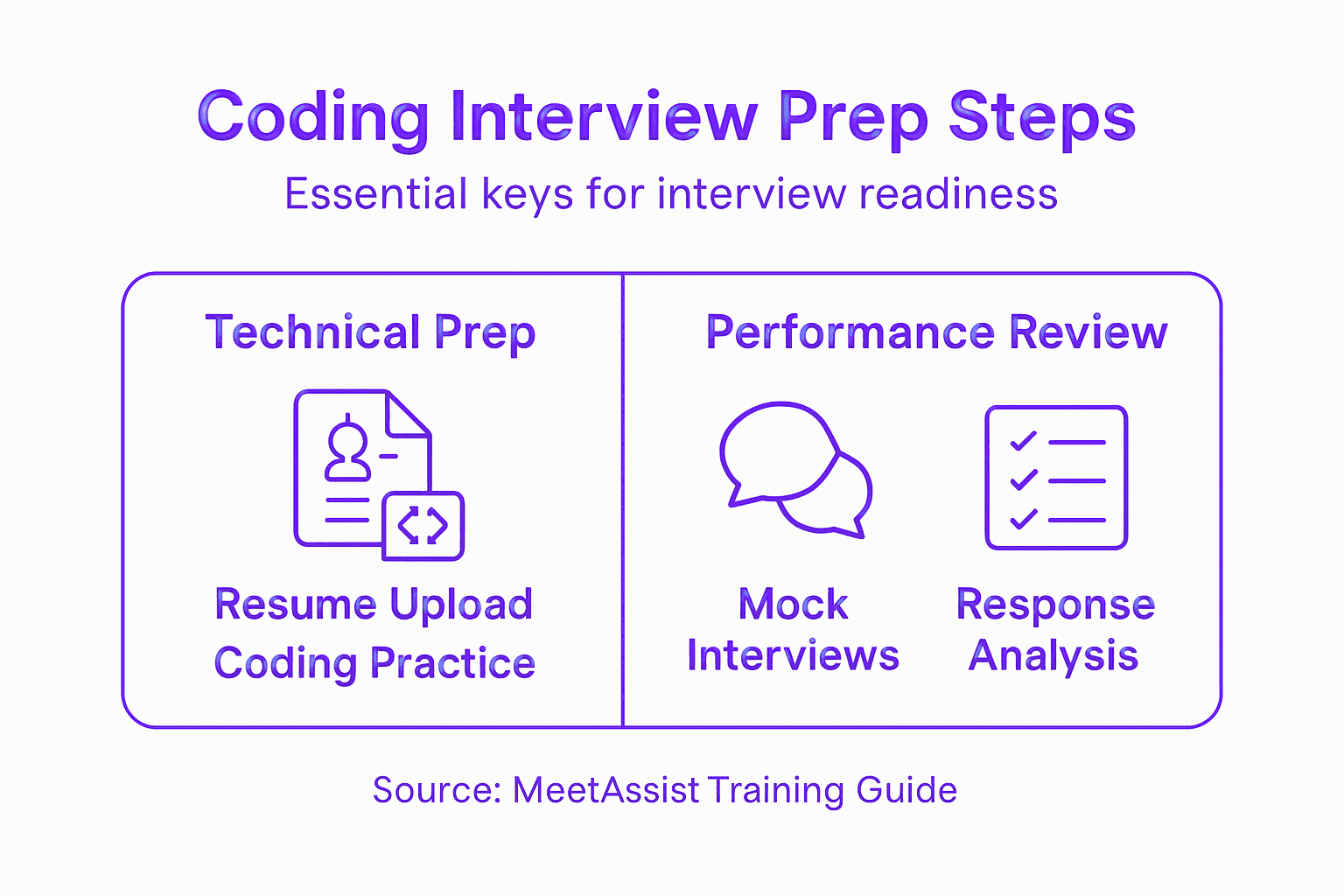
Start by gathering all your data from MeetAssist. Export your interview transcript, download the AI suggestions that were provided, and pull together any notes you took during Phone Mode analysis. Having everything in one place makes comparison easier.
Begin your review with these focused questions:
- Which questions did you answer confidently?
- Where did you hesitate, ramble, or provide vague answers?
- How often did the AI suggestion improve on what you actually said?
- Did your answers align with your uploaded resume?
- Where did technical explanations break down?
Analyzing interview recordings and transcripts helps you spot communication patterns you can’t hear in the moment. Listen for filler words, rushed pacing, or moments where you contradicted yourself.
Create a ranked list of your weakest answers. These become your focus areas for refinement. If system design questions felt weak, dedicate your next practice session entirely to that topic. If behavioral stories lacked impact, restructure them using the STAR method more deliberately.
Your transcript shows you exactly what to fix—the specificity of feedback beats general impressions every time.
Test refined answers in your next practice round. Have someone ask the same questions again and compare your new response to the old one. Measurable improvement in clarity, confidence, and specificity proves your refinement worked.
Update your resume if you discover gaps between what you said and what your resume claims. Inconsistencies hurt your credibility. Iterative improvement through feedback cycles ensures your interview narrative stays coherent and powerful.
Schedule your next full mock interview after refining two to three weak areas. Don’t jump into real interviews with unresolved gaps. Each practice round should show measurable improvement over the last one.
Track metrics across your practice sessions:
- Time to answer common questions
- How often you used pause words or fillers
- Whether you stayed on topic or wandered
- Confidence level ratings per question type
Noticing these metrics improve builds momentum and proves your preparation is working.
Pro tip: Create a personal “weak spots” document from each practice interview, then dedicate 70% of your next practice session to those specific areas before moving to new material.
Achieve coding interview preparation Mastery With Real-Time AI Support
Preparing for coding interviews can feel overwhelming when trying to balance mastering technical challenges and crafting strong behavioral answers using methods like STAR. You need more than just practice you need tailored guidance that adapts in real time to keep you confident and focused. MeetAssist tackles these exact challenges by providing instant AI-powered suggestions that listen and respond to your interview in the moment. With features like resume integration and customizable answer styles you can ensure your responses align perfectly with your background and interviewer expectations.
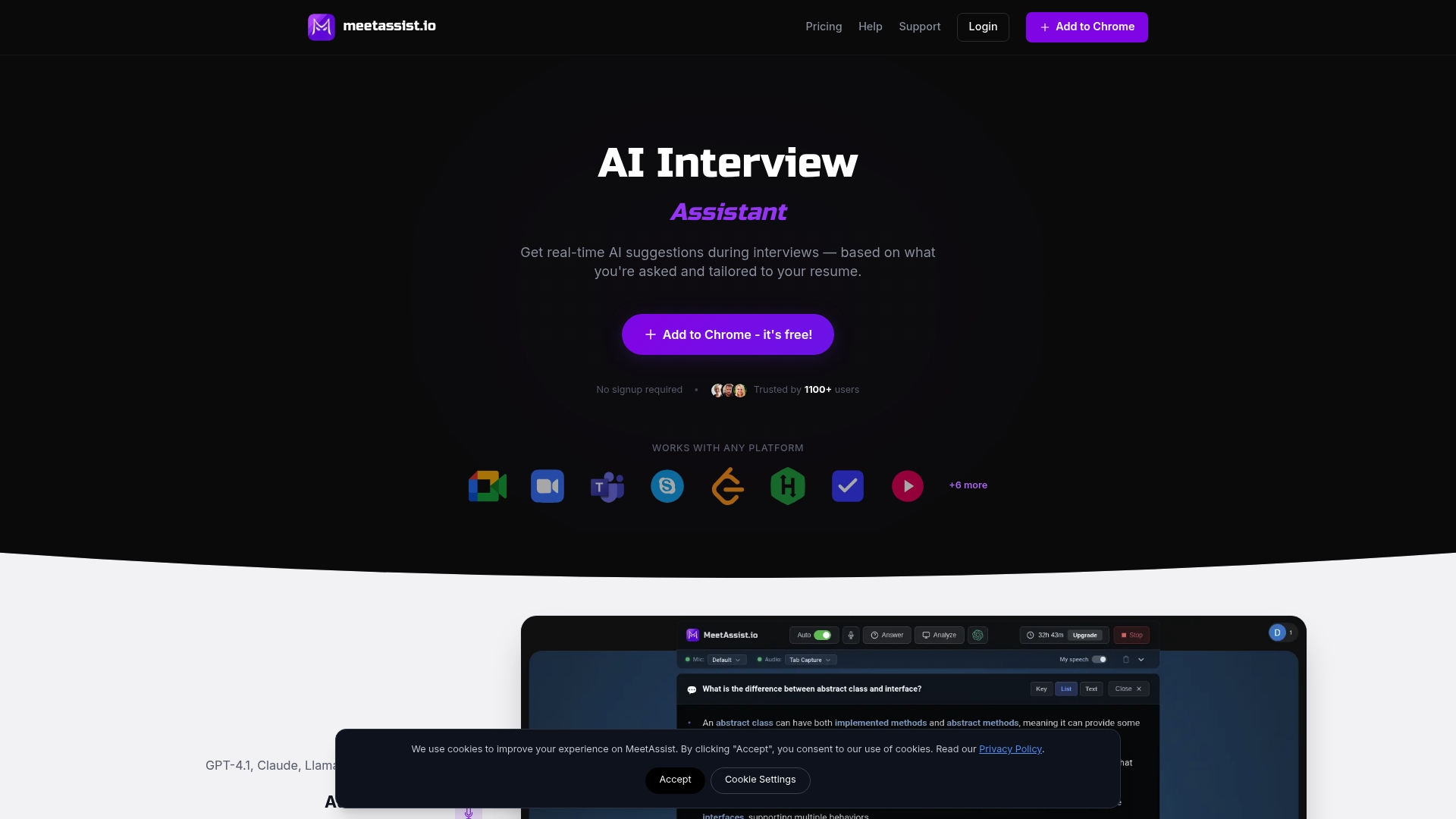
Take control of your interview success today by experiencing MeetAssist’s phone mode which discreetly moves AI support off your computer screen giving you a clear workspace to code while keeping vital cues just a glance away on your phone. Ready to transform your preparation with actionable insights and analysis that pinpoint your strengths and weaknesses? Start now at MeetAssist and visit Step by Step Interview Preparation for Coding Success to see how real-time AI collaboration can elevate your performance. Don’t wait because each moment spent practicing with MeetAssist gets you one step closer to landing your dream role.
Frequently Asked Questions
How do I set up MeetAssist for my coding interview?
To set up MeetAssist, start by visiting the Chrome Web Store and adding the extension to your browser. After confirming the permissions, ensure you allow access to your microphone and camera for real-time support during your interview. This setup should take less than five minutes.
What should I include in my resume before uploading it to MeetAssist?
Your resume should highlight your most relevant skills and achievements tailored to the specific role you are applying for. Include specific examples that demonstrate your value, as this will help the AI provide more accurate and contextually relevant suggestions during your interview.
How do I practice coding challenges effectively?
Practice coding challenges by selecting problems that match your skill level and setting a timer to simulate real interview conditions. Focus on solving a diverse range of problems, including easy, medium, and hard challenges, to build your problem-solving abilities and confidence.
What is Phone Mode in MeetAssist and how do I use it during my interview?
Phone Mode allows you to capture transcripts and receive AI suggestions discreetly on your phone during the interview. To use Phone Mode, activate it before the interview, sync it to your phone using a QR code, and then you can close the browser extension on your computer to keep your screen clear.
How can I analyze my interview performance after using MeetAssist?
After your interview, review the transcript and AI suggestions provided by MeetAssist. Look for patterns in your answers, note areas for improvement, and refine your responses to practice before your next interview to ensure measurable growth in your interview skills.
What techniques should I use to structure my behavioral answers?
Use the STAR method to structure your behavioral answers, which includes explaining the Situation, Task, Action, and Result. This structured format helps convey your thought process clearly and demonstrates your problem-solving abilities effectively during interviews.